Templates Ages 6–16

All 11 Vesper PowerPoint templates

One look per subject: space looks like space, chemistry like chemistry.

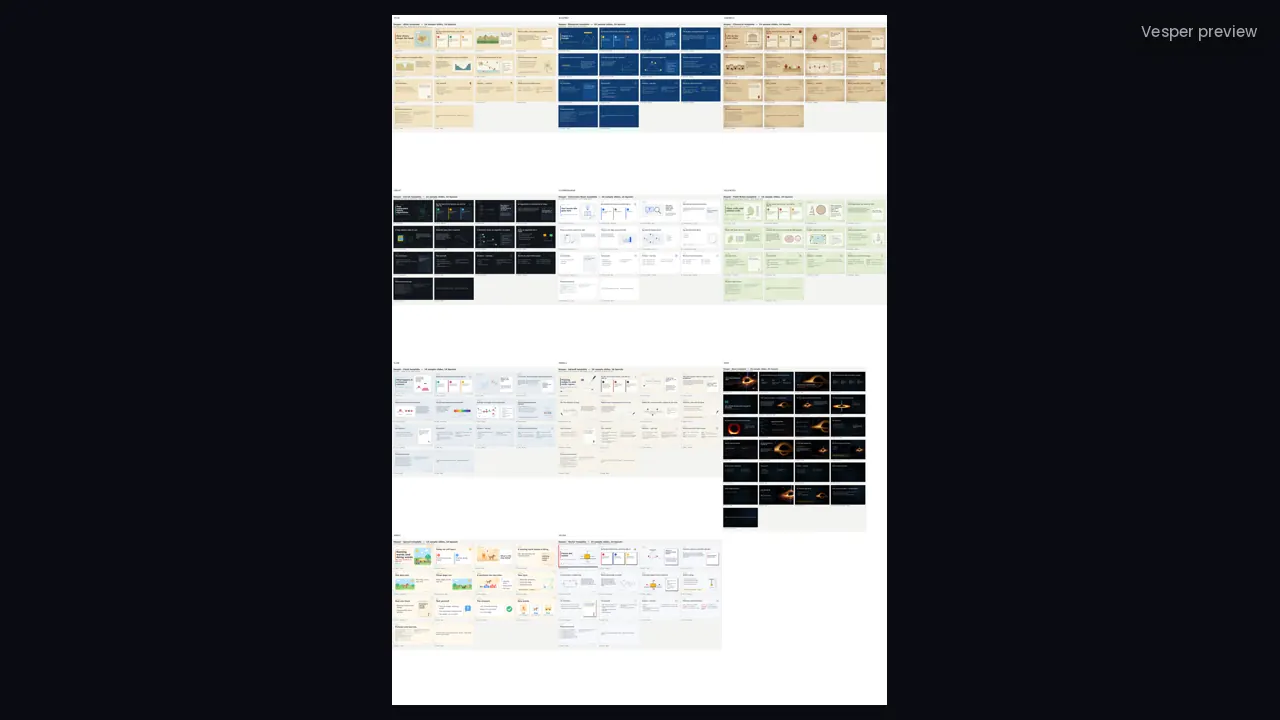
All 11 Vesper template families in one download: Nova, Sprout, Inkwell, Field Notes, Blueprint, Atlas, Circuit, Flask, Vector, Chronicle and Classroom Basic, each with named layouts, original illustrations and a two-page guide.

The short answer

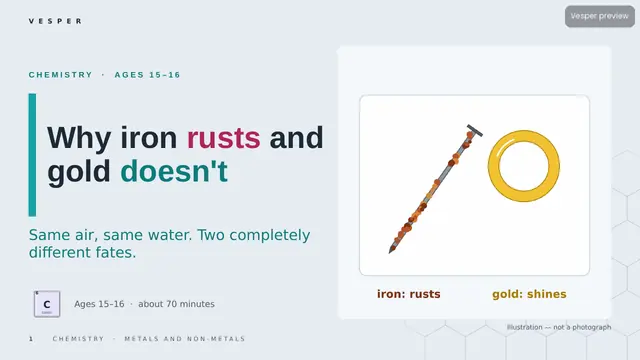
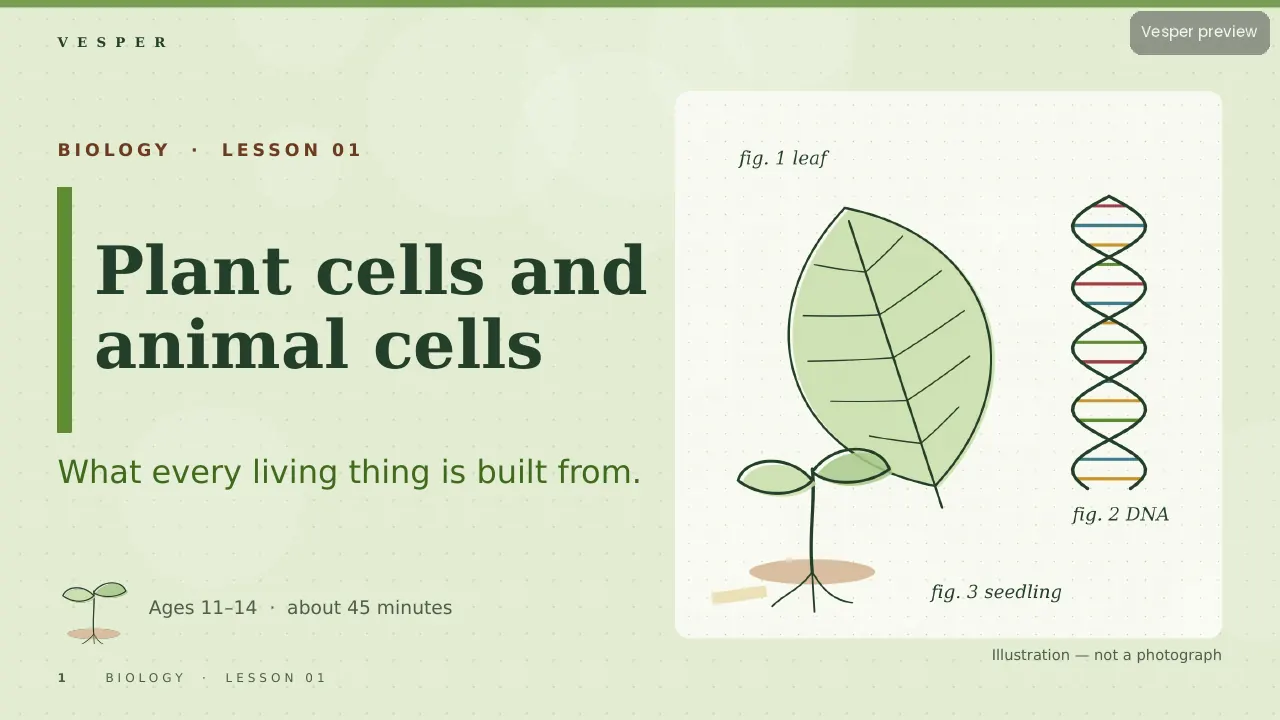
The bundle contains all 11 Vesper PowerPoint templates: Nova (space), Sprout (ages 6–9), Inkwell (English), Field Notes (biology), Blueprint (maths), Atlas (geography), Circuit (computing), Flask (chemistry), Vector (physics), Chronicle (history) and the free Classroom Basic. Each has a .potx, a filled sample deck, original illustrations and a two-page teacher guide.

Inside

templates
11
Pricing coming soon

Pricing coming soon

We’ll email you pricing and launch offers shortly.

  • Finished and checked: buying opens soon
  • PowerPoint slide master (.potx) with named layouts, plus a how-to PDF
  • Works in PowerPoint and Google Slides
  • For one classroom. Campus licences for whole schools

Key facts

  • 11 template families, one per kind of subject
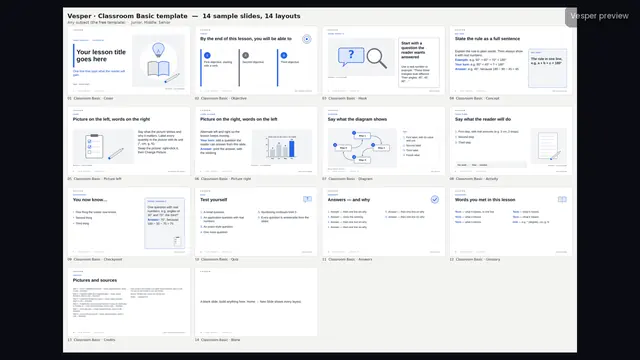
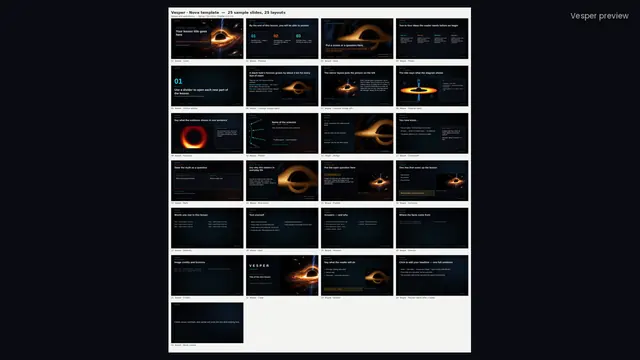
  • Ten families share 14 named layouts; Nova has 25
  • Every illustration is original Vesper artwork
  • Each family includes a two-page teacher guide
  • Includes the free Classroom Basic template

What you can do with it

  • Teachers can choose a template whose look fits each subject
  • Teachers can build decks with the same named layouts in every family
  • Teachers can print cleanly with Classroom Basic

About it

What’s in the bundle

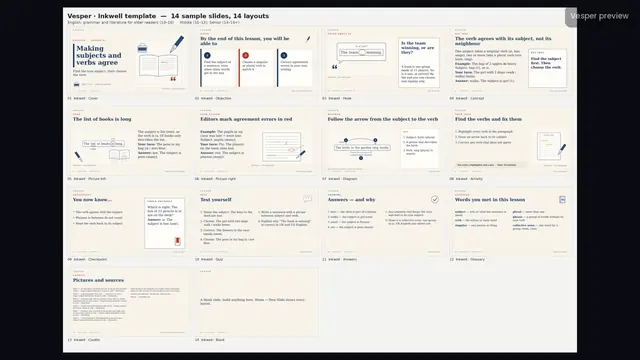
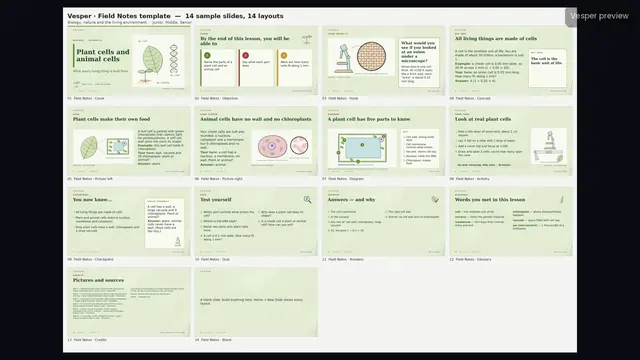
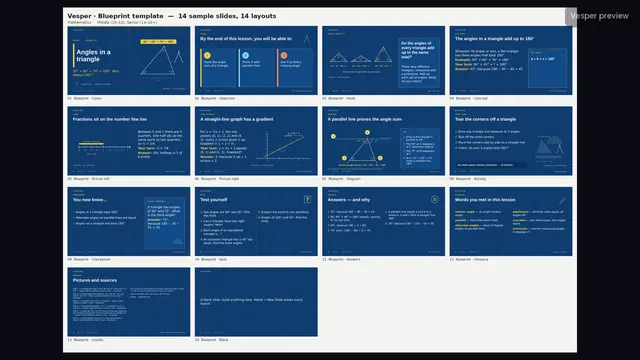
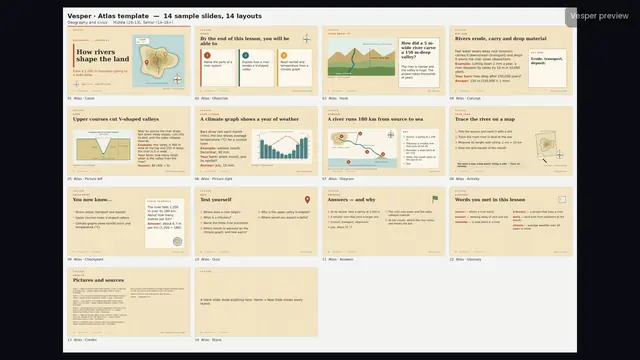
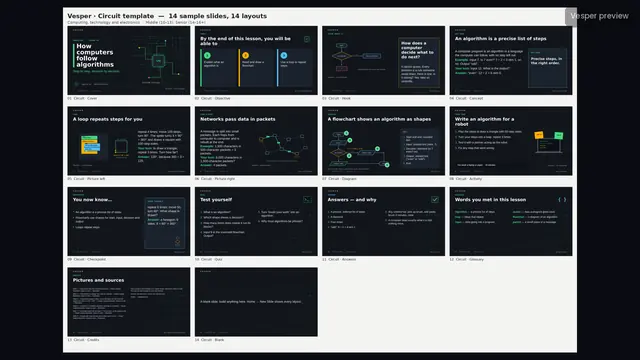
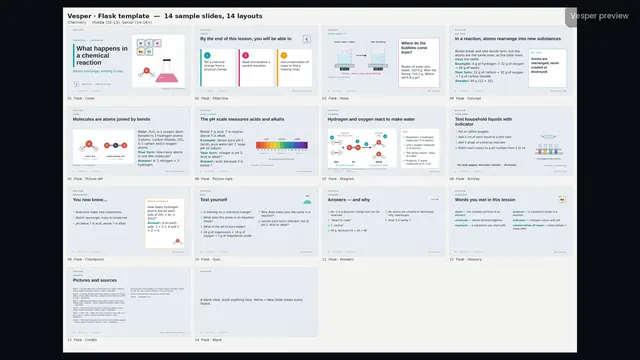
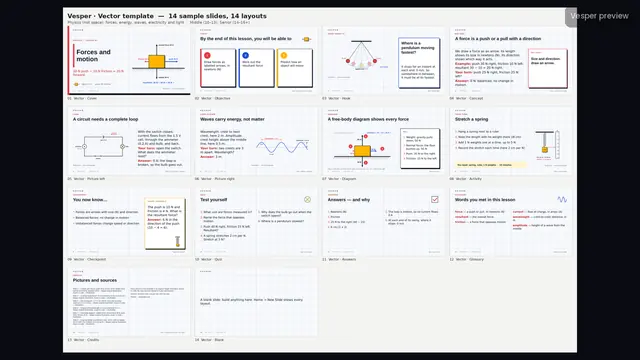
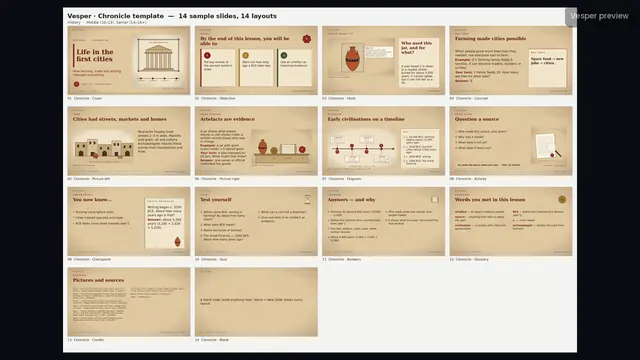
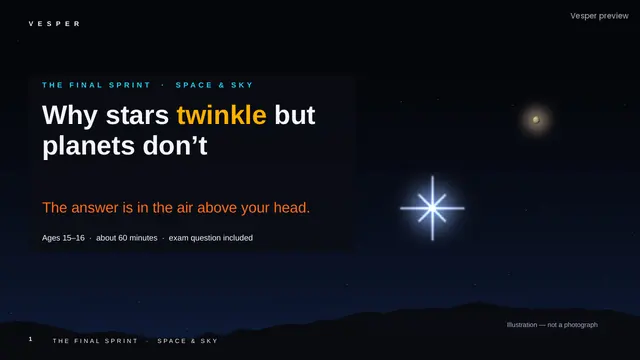
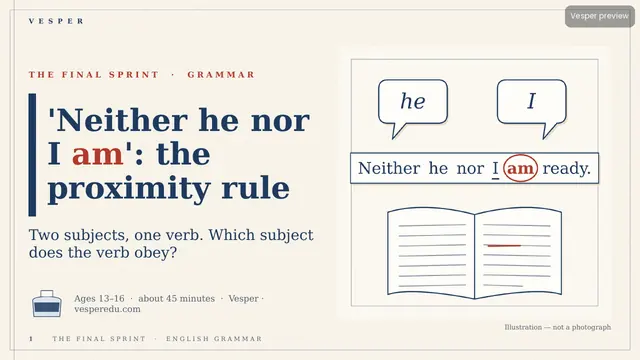
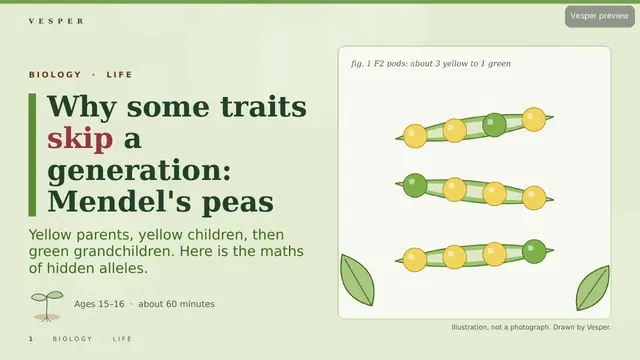
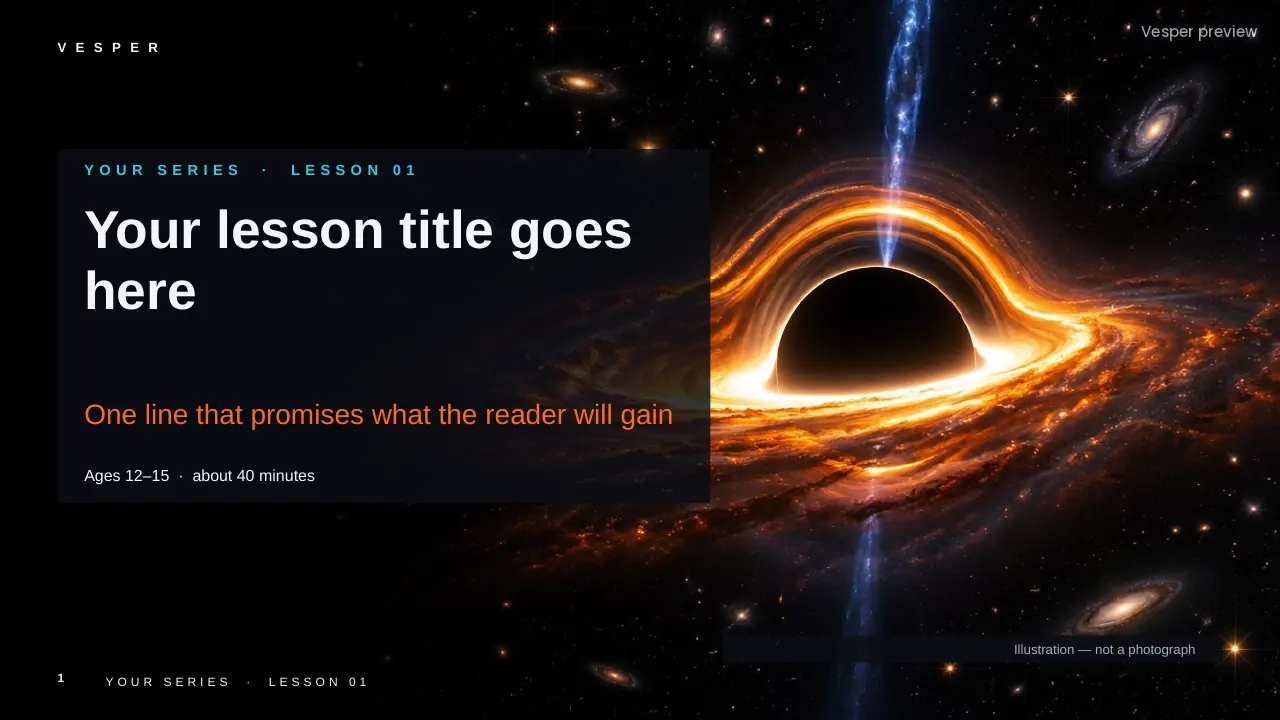
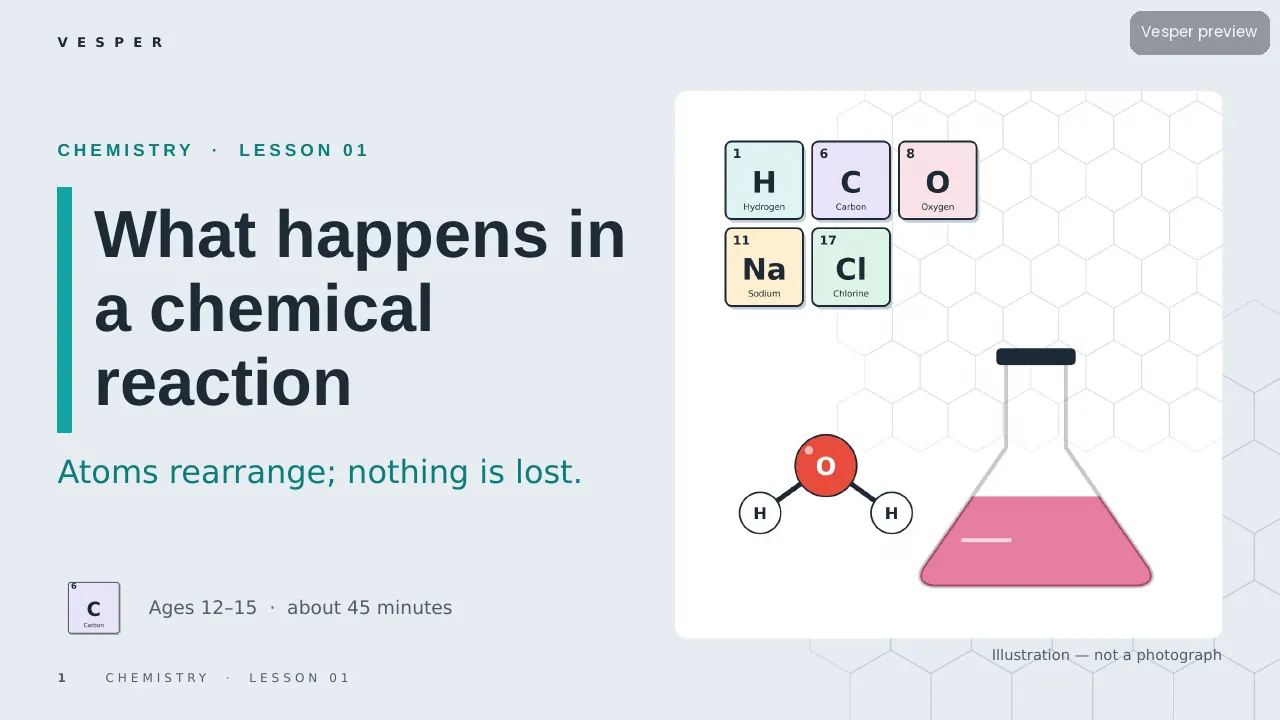
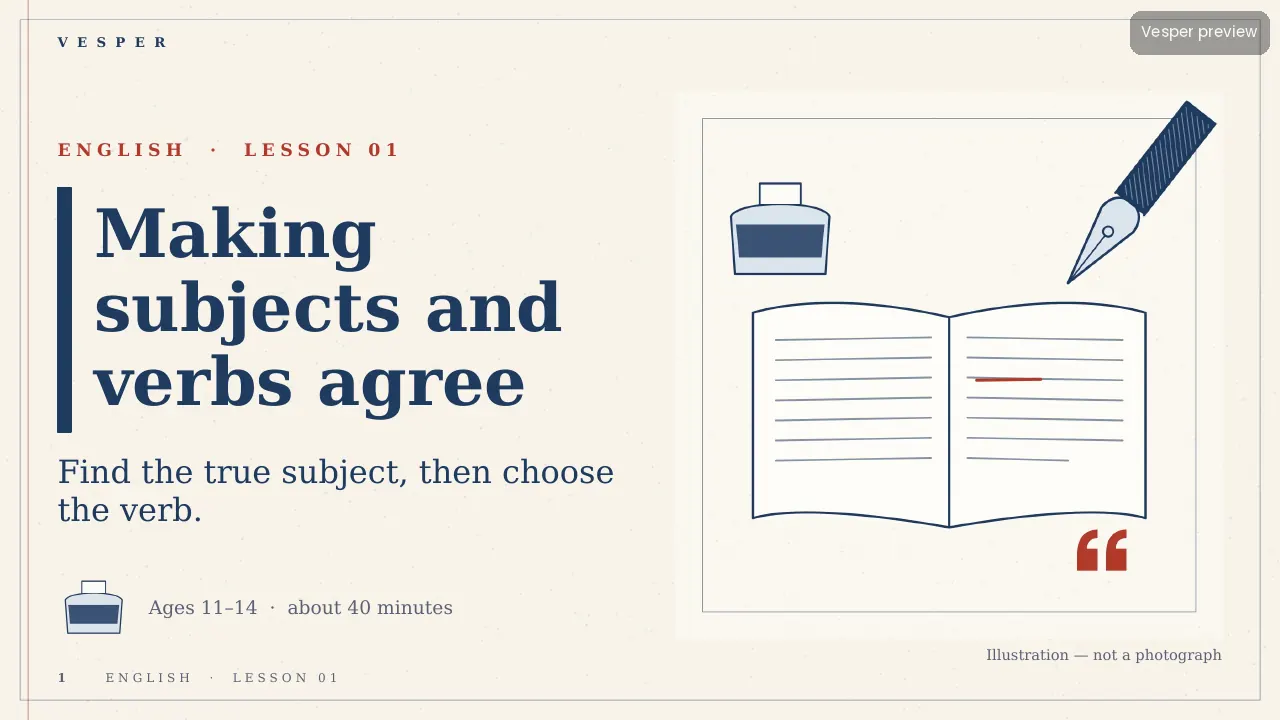
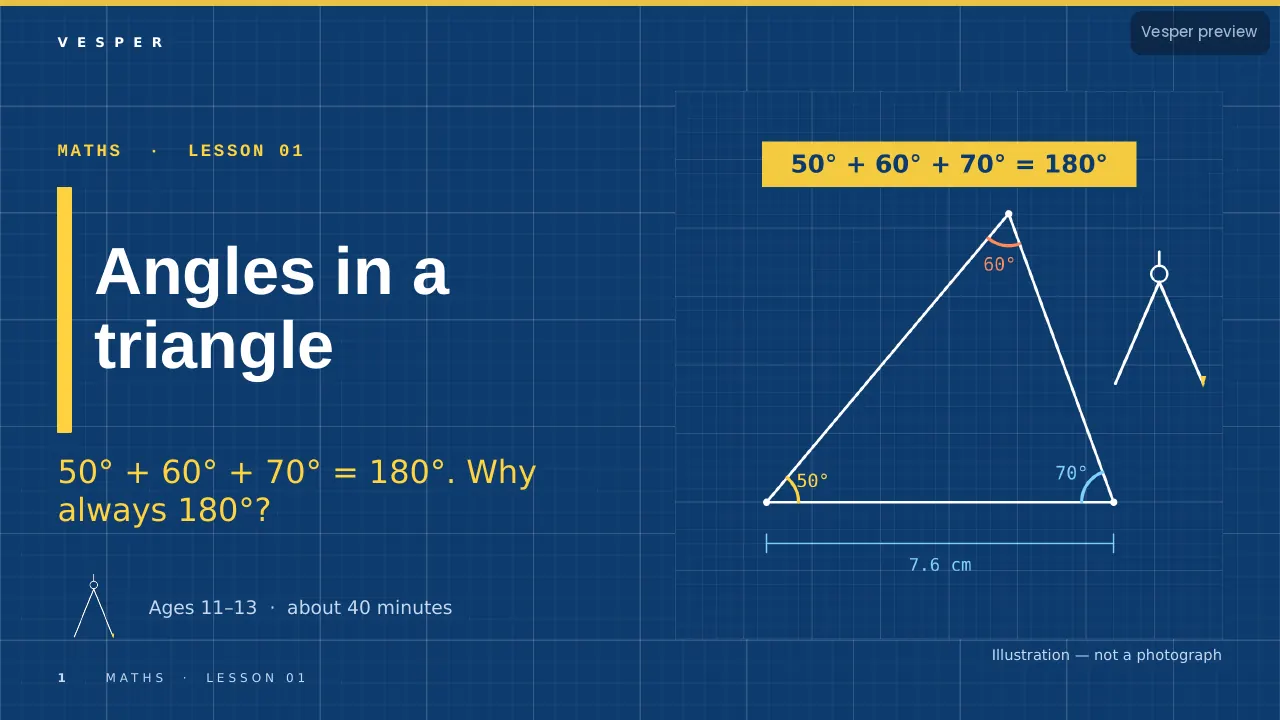
Eleven template families, one for each kind of subject, so a grammar lesson never looks like a space lesson. Nova has black star fields; Sprout is cream and rounded for ages 6–9; Inkwell is paper and ink; Field Notes is a naturalist’s sketchbook; Blueprint is white line on blue; Atlas is parchment and contours; Circuit is dark slate and neon; Flask has element tiles and molecules; Vector is graph paper and force arrows; Chronicle is sepia and archive frames; Classroom Basic is plain white and printable.

Inside each template

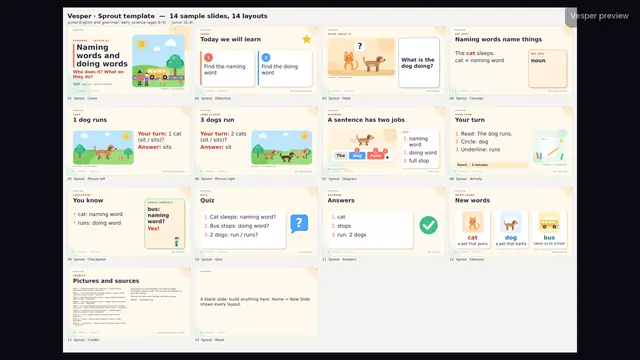
Every family comes as a .potx template and a .pptx sample deck with one filled example of every layout. Ten families share the same 14 layouts (Cover, Objective, Hook, Concept, Picture left, Picture right, Diagram, Activity, Checkpoint, Quiz, Answers, Glossary, Credits, Blank); Nova has 25. Each includes a two-page How-to-use PDF, a contact sheet and a folder of original illustrations and icons drawn in code.

How teachers use it

Pick the family that matches the subject, double-click its .potx and choose layouts from Home, New Slide. Because the layouts share names across families, a department can teach the same lesson structure in every subject while each subject keeps its own look.

Who it’s for

Teachers and departments who make their own slides across several subjects, and schools that want one consistent lesson structure with a subject-specific look. Classroom Basic is also available free on its own.

Why one look per subject

Each family has its own palette, fonts, background, corners and illustration style, and each bans the imagery that belongs to another subject: no space pictures outside Nova, no glassware in biology, no force arrows in maths. Students can tell at a glance which subject they are in, and every picture on a slide belongs to the lesson it sits in.
Curriculum & specs

CBSE/NCERT (India)Not applicable (templates)
CambridgeNot applicable
NGSS (US)Not applicable
IB MYPNot applicable
Ages6–16
LevelAll
Slide templateAll
LanguageEnglish (UK)

Questions

Questions, answered

Which templates are in the bundle?

Nova, Sprout, Inkwell, Field Notes, Blueprint, Atlas, Circuit, Flask, Vector, Chronicle and Classroom Basic.

Do all the templates have the same layouts?

Ten families share the same 14 named layouts. Nova keeps 25 space-lesson layouts, and its names map onto the same lesson structure.

Can I use the templates in PowerPoint?

Yes. Each comes as a .potx template and a .pptx sample deck, built for PowerPoint, with standard fonts.

Which template should I use for science?

Field Notes for biology, Flask for chemistry, Vector for physics and Nova for space and astronomy.

Is there a free template?

Yes. Classroom Basic is free on its own and also included in the bundle.

Main sources

  1. Original Vesper illustrations drawn in code; Nova samples include one labelled AI illustration and two Vesper simulations

The full source list is on the last slides of the deck. Spotted an error? Tell us.