About it
What it looks like
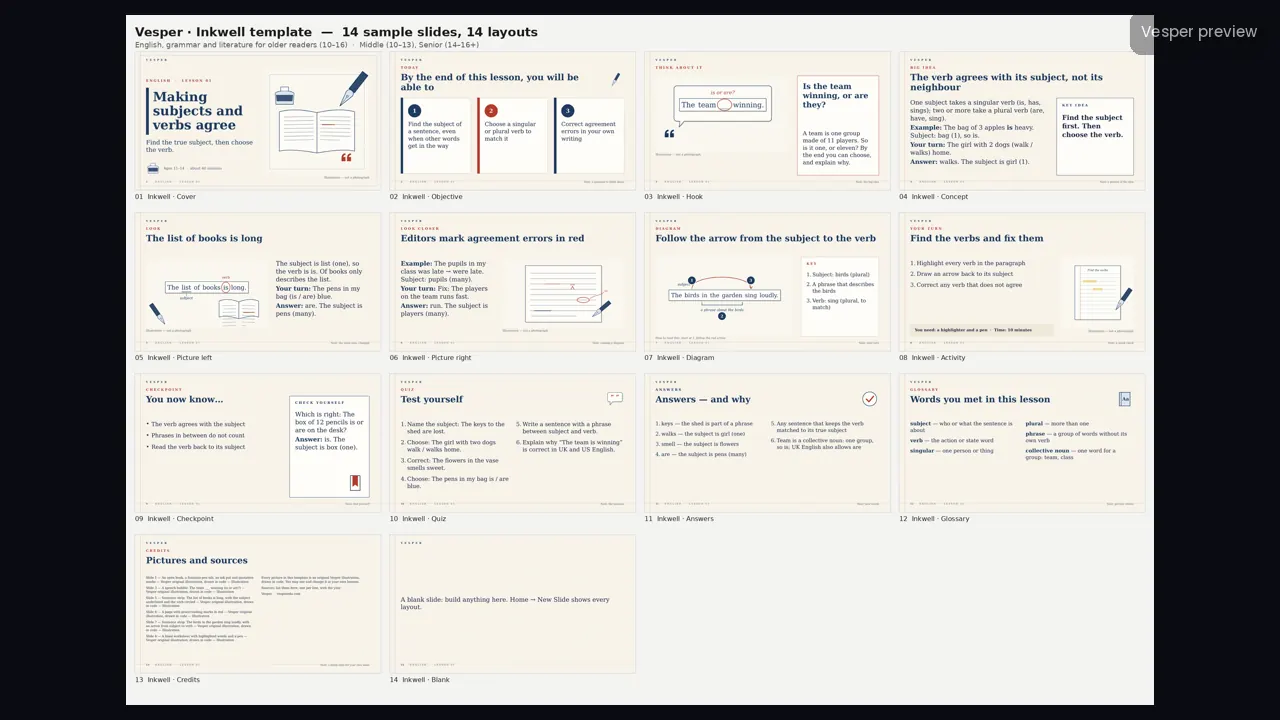
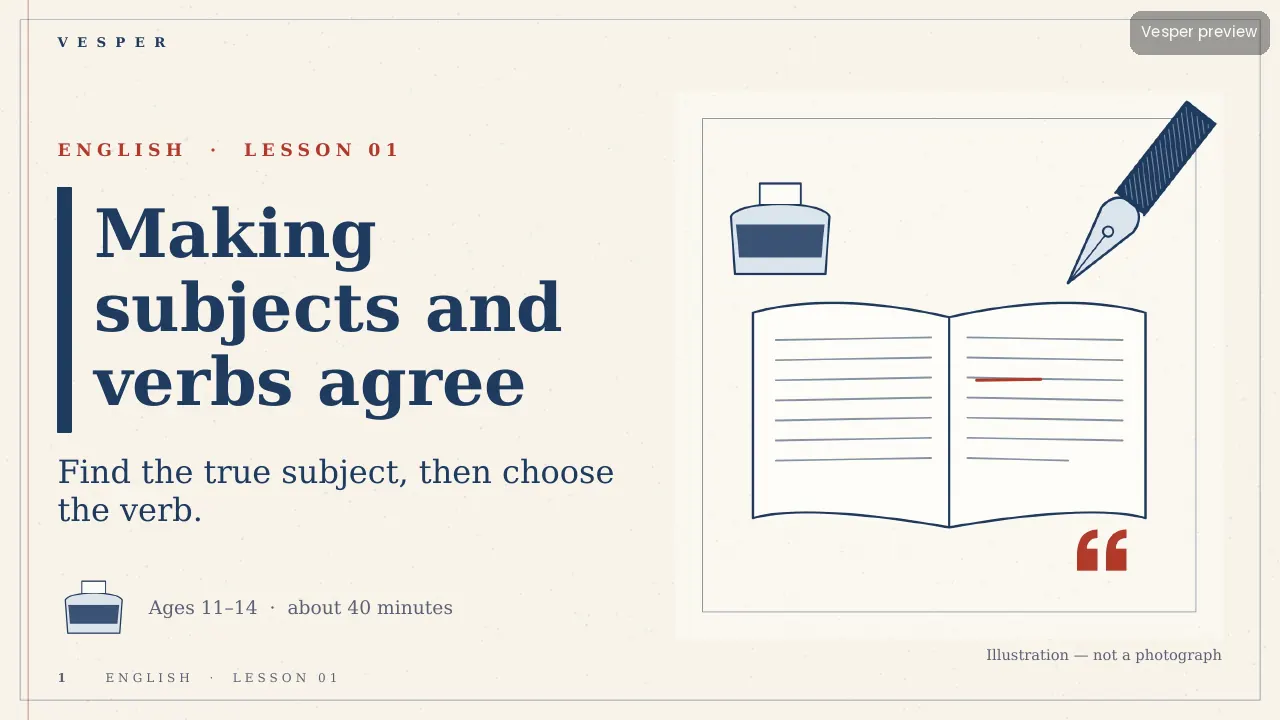
Off-white paper with a faint margin rule, ink blue with one editor’s red, Georgia throughout, square corners and thin hairline rules. Illustrations are monoline ink drawings with hatching and no gradients.
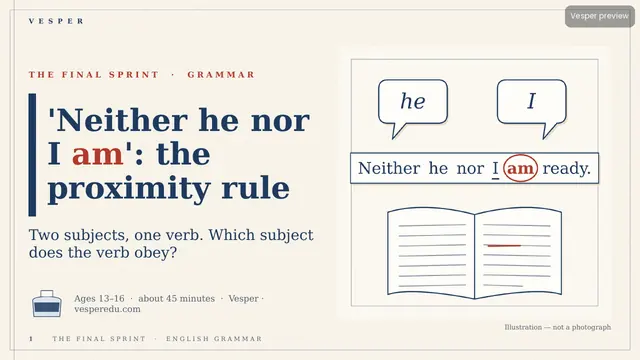
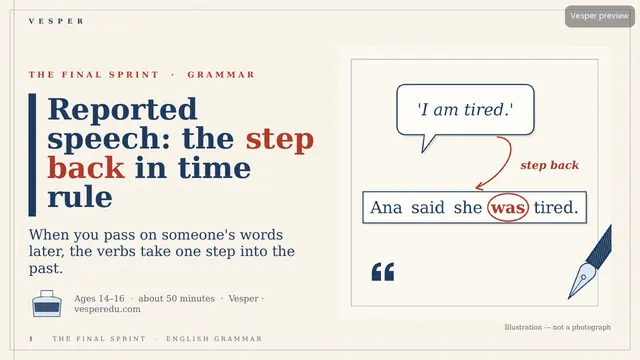
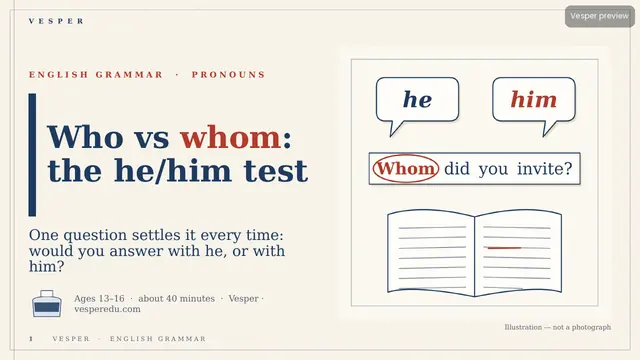
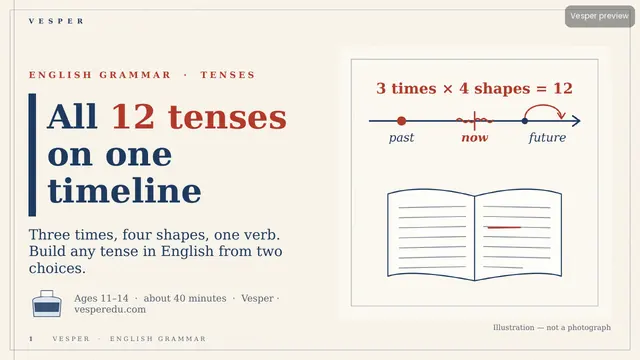
The motifs come from the subject: open books and pages, a fountain-pen nib and ink pot, sentence strips with one highlighted word, quotation marks and speech bubbles, proof-reading marks (underline, caret, strike-through), and letters and envelopes. No space imagery, no cartoon animals, no bright multi-colour palettes and no photos of real authors without a public-domain licence.
Inside the template
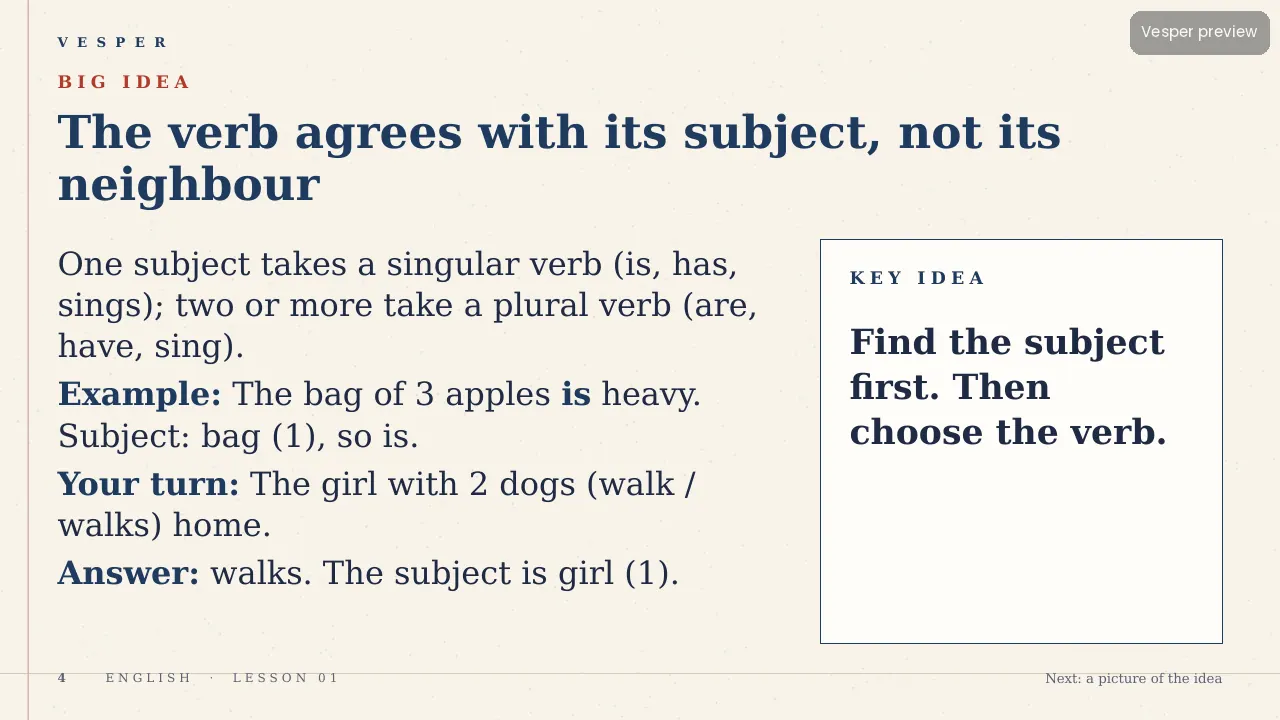
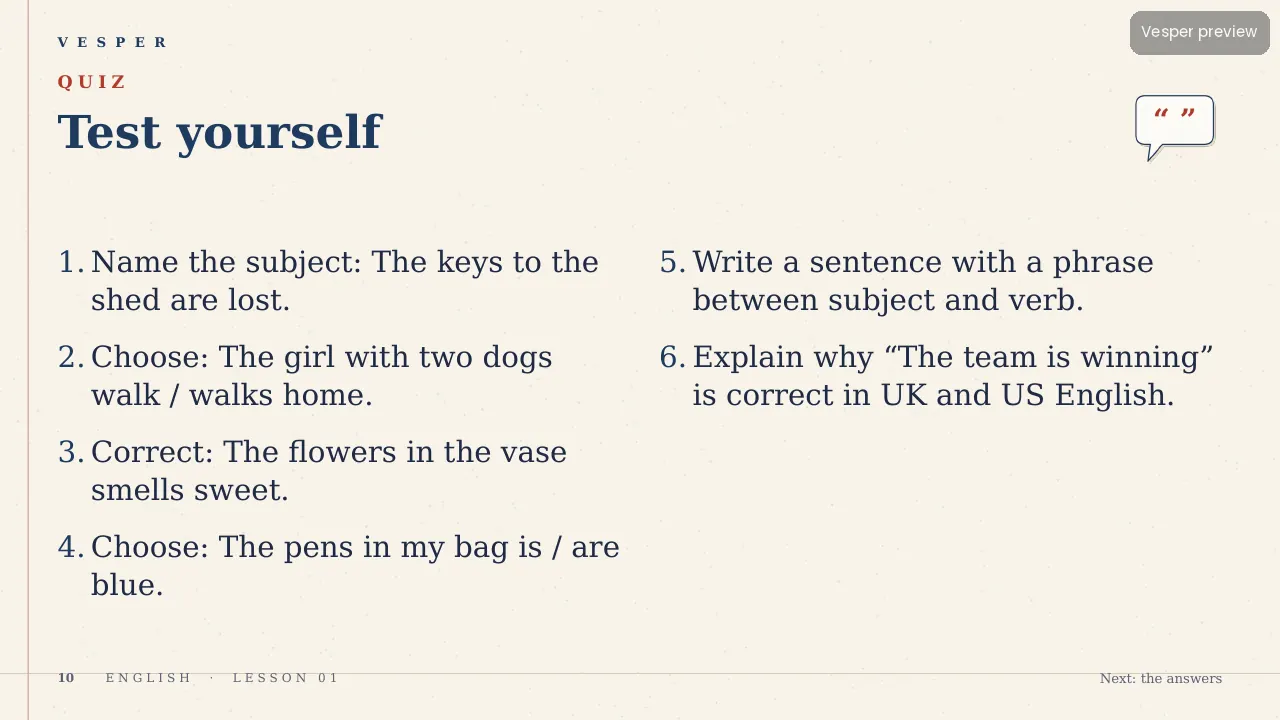
14 named layouts: Cover, Objective, Hook, Concept, Picture left, Picture right, Diagram, Activity, Checkpoint, Quiz, Answers, Glossary, Credits and Blank. The red accent is made for grammar teaching: mark the word being taught, or show a wrong/right pair in red ink.
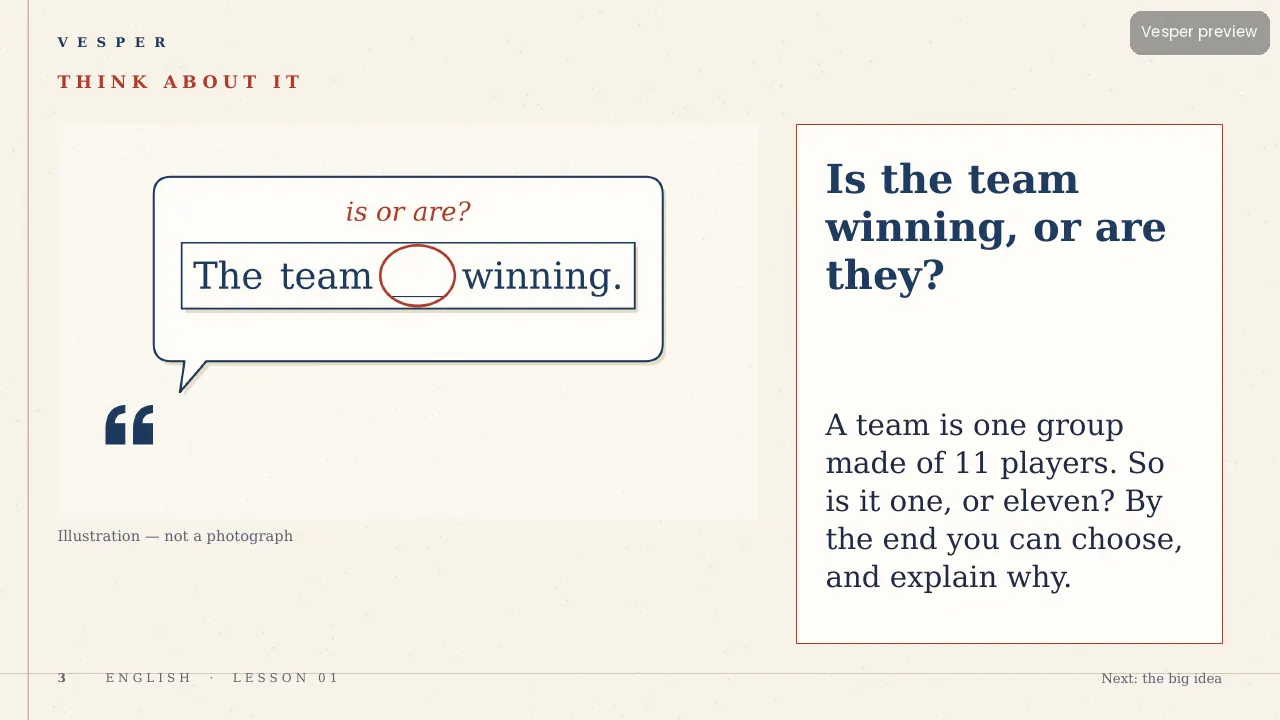
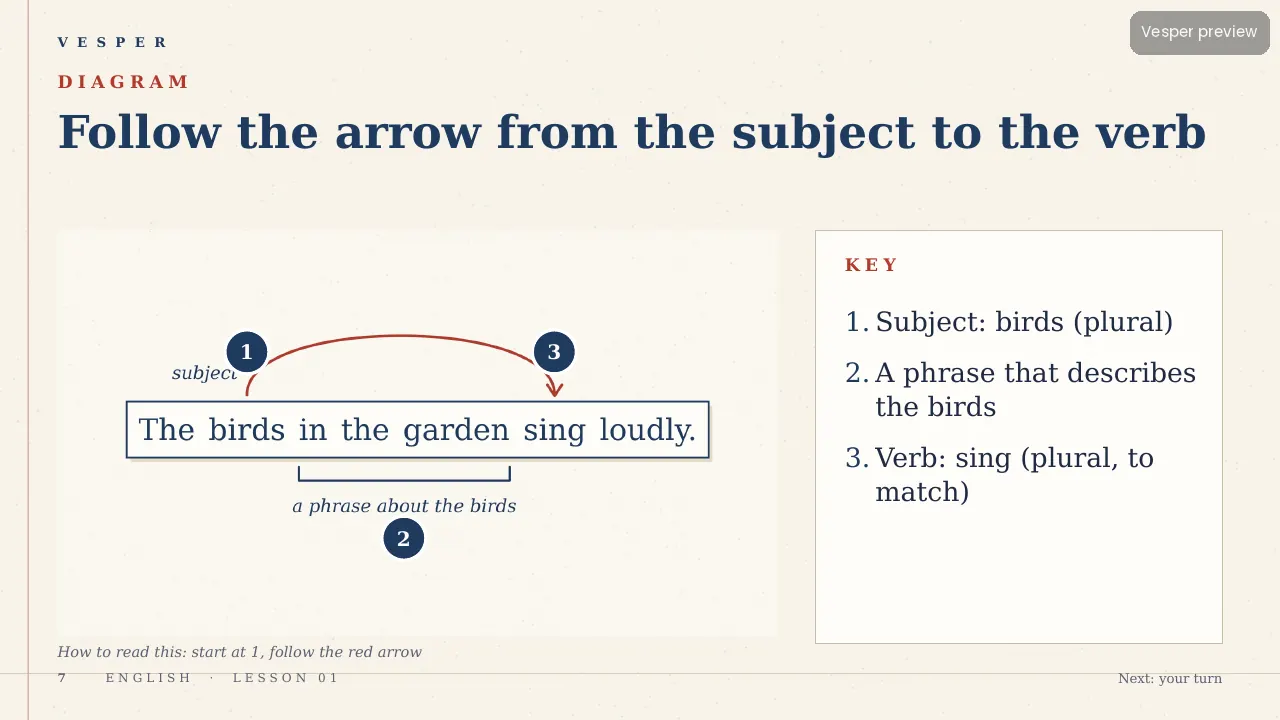
Its 21 sample pictures include a speech bubble asking ‘The team ___ winning (is or are?)’, a sentence strip with the subject underlined and the verb circled, and a page of red proof-reading marks. Every slide gets the wordmark, a live slide number and an editable series line from the master. Fonts are standard ones that ship with PowerPoint.
How teachers use it
Double-click the .potx to start a new deck, then choose Home, New Slide and pick a layout by name. Replace a sample picture by right-clicking it and choosing Change Picture. Use the Concept layout’s key-idea card for the rule, and the Diagram layout for a sentence strip with numbered callouts. Change the series line once in View, Slide Master. The two-page How-to-use PDF walks through it.
Who it’s for
Teachers of English and grammar for ages 10–16 (Middle (10–13) and Senior (14–16+) bands). Any Vesper lesson built on Inkwell uses the same slide master, so your own slides sit beside it without a join. It is also part of the all-templates bundle.