About it
What it looks like
Plain white with ink grey text, one blue accent and light grey cards, Arial throughout and small rounded corners. Icons are minimal and flat, in grey and blue.
Its motifs are deliberately neutral: simple icons (a lightbulb, book, target, clipboard, question mark and tick), a subject icon set for maths, English, science, history, geography, computing and art, plain cards and rules, numbered steps, and a printable worksheet look. No space imagery, no full-colour backgrounds and no subject-specific decoration, so it prints cleanly in black and white.
Inside the template
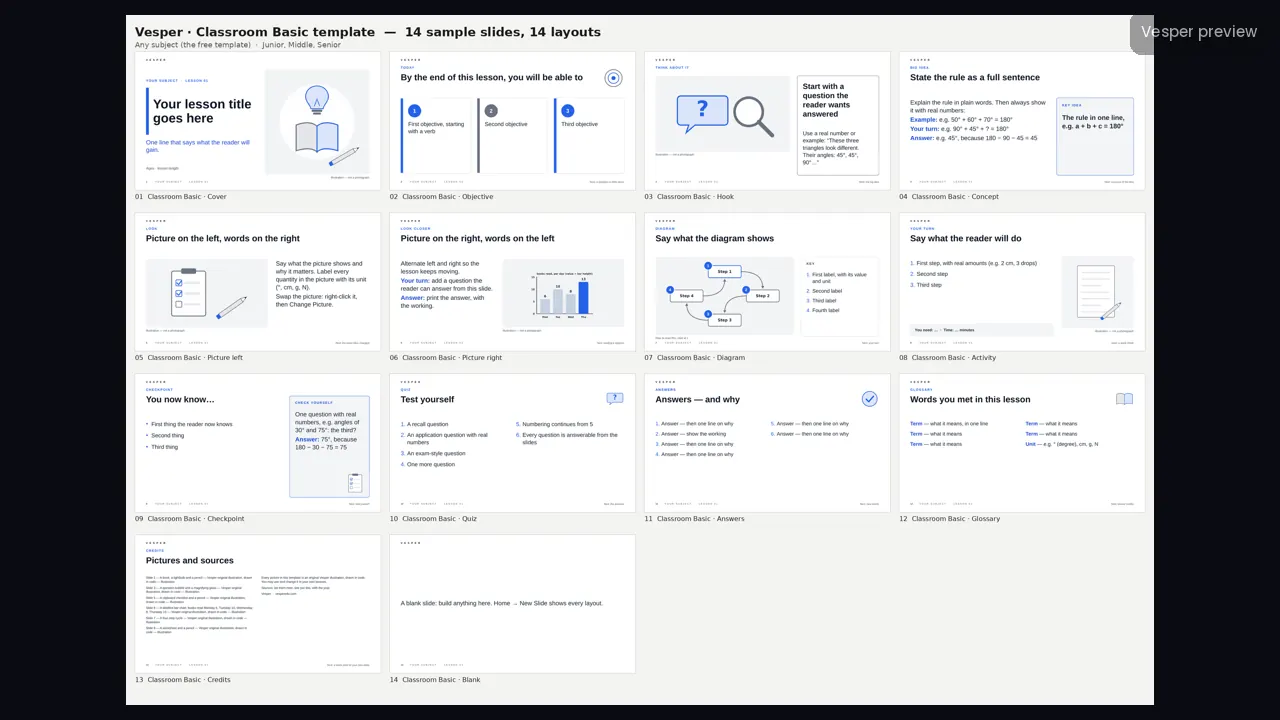
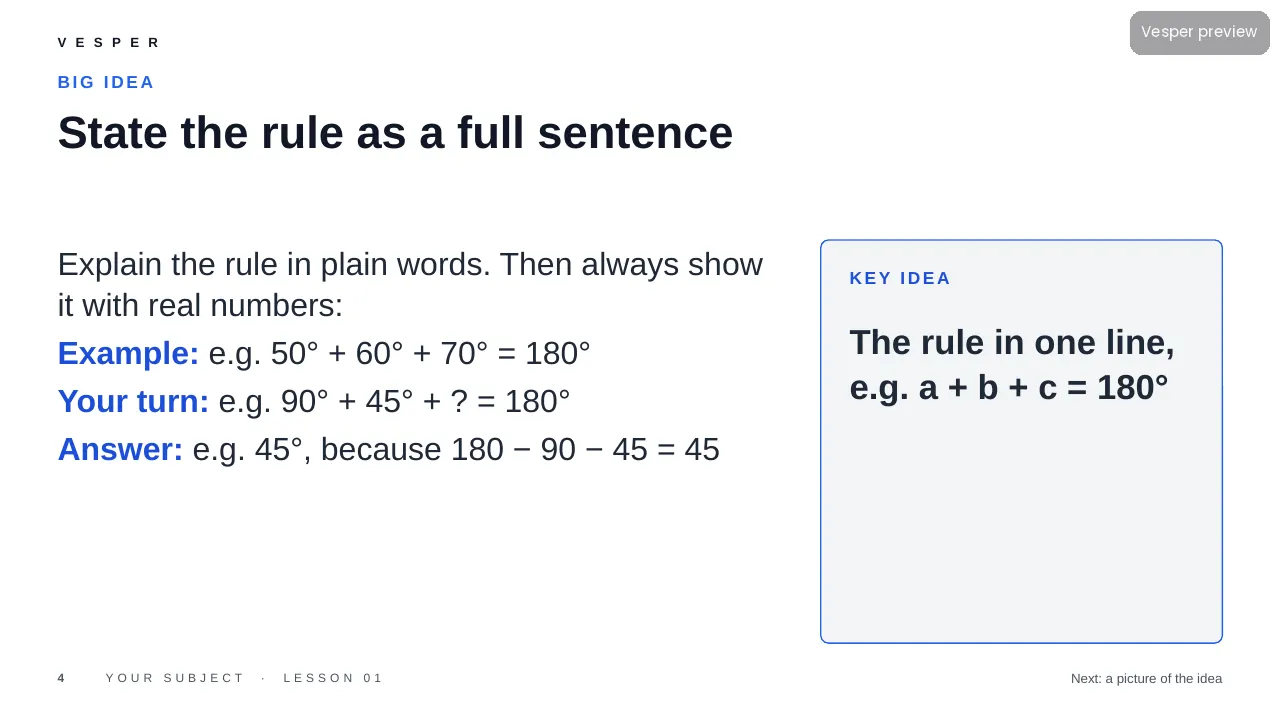
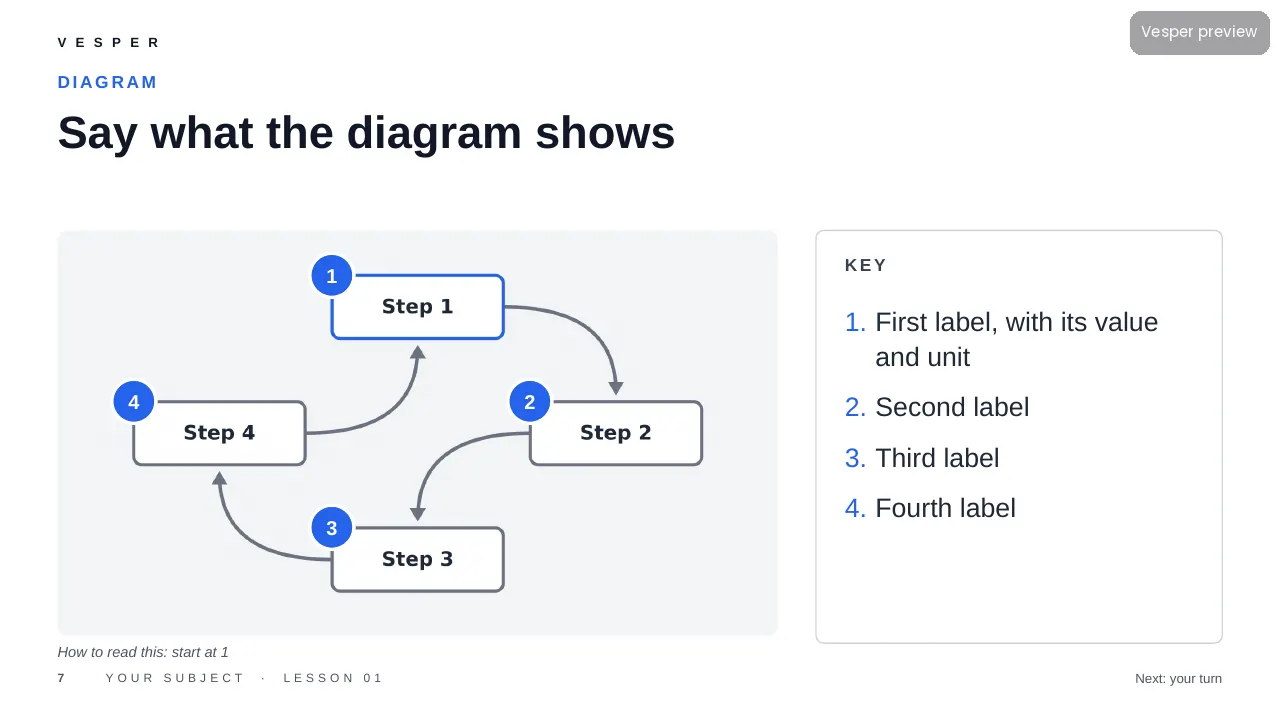
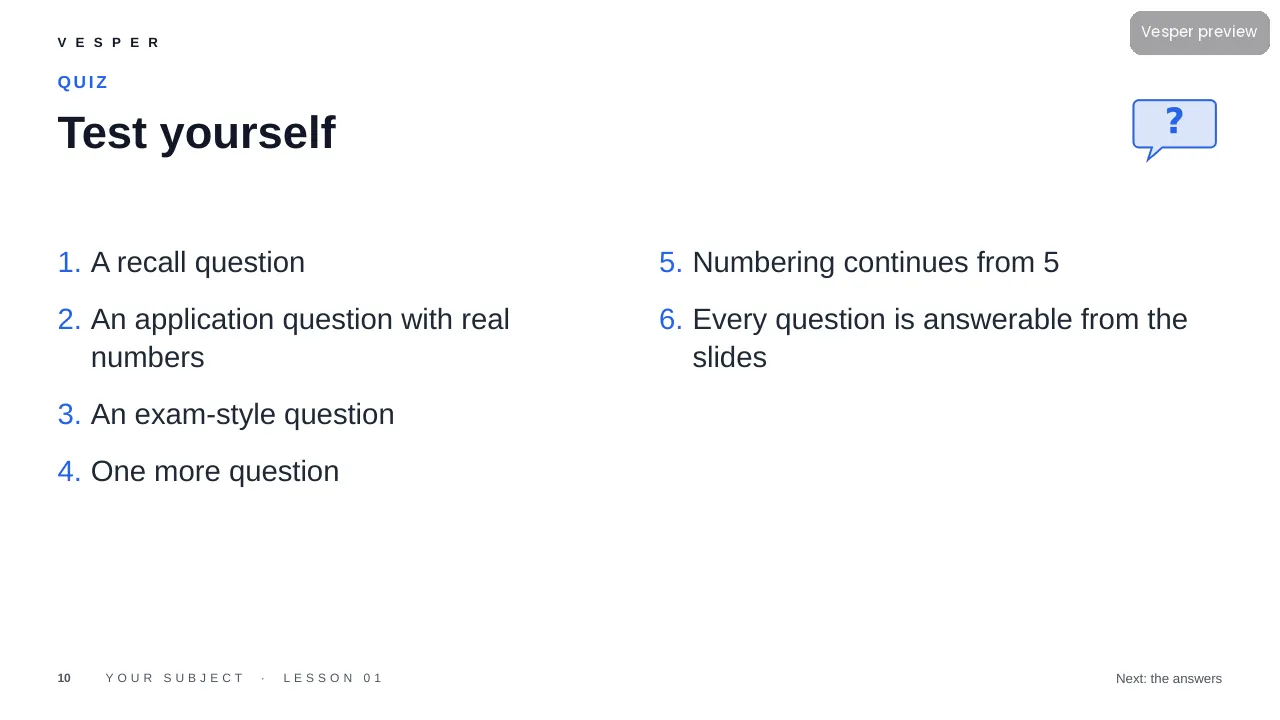
14 named layouts: Cover, Objective, Hook, Concept, Picture left, Picture right, Diagram, Activity, Checkpoint, Quiz, Answers, Glossary, Credits and Blank. Every sample slide is filled with guidance on how to write it, for example ‘State the rule as a full sentence’ with a worked example, a your-turn and an answer.
Its 20 sample pictures include a book, a lightbulb and a pencil, a question bubble with a magnifying glass, a clipboard checklist and a labelled bar chart. Every slide gets the wordmark, a live slide number and an editable series line from the master. Fonts are standard ones that ship with PowerPoint.
How teachers use it
Double-click the .potx to start a new deck, then choose Home, New Slide and pick a layout by name. Replace a sample picture by right-clicking it and choosing Change Picture. Write the rule as a full sentence on Concept, then add a worked example, a your-turn and its answer, as the sample slides show. Change the series line once in View, Slide Master. The two-page How-to-use PDF walks through it.
Who it’s for
Teachers of any subject for ages 6–16 (Junior, Middle and Senior bands). It is free, with no catch: the same 14 layouts as the paid families, for any subject, and the files are yours to use in your own lessons.