
Templates
Every Vesper lesson is built on a real PowerPoint slide master, and the same templates are here for your own lessons. Each one has named layouts for a cover, objectives, a hook, concepts with pictures, diagrams, activities, checkpoints, a quiz, answers, a glossary and credits, so adding a slide is as simple as choosing a layout.
There are eleven families, each matched to a subject: Nova for space, Vector for physics, Flask for chemistry, Field Notes for biology, Blueprint for maths, Inkwell for English, Atlas for geography, Circuit for computing, Chronicle for history, Sprout for younger learners and Classroom Basic, a plain printable style for any subject. Classroom Basic is free.
Each template comes as a .potx slide master with a filled sample deck and a two-page how-to guide. They open in PowerPoint and Google Slides. Schools that want every lesson for every teacher can ask about a campus licence.
Showing all 12 results
-
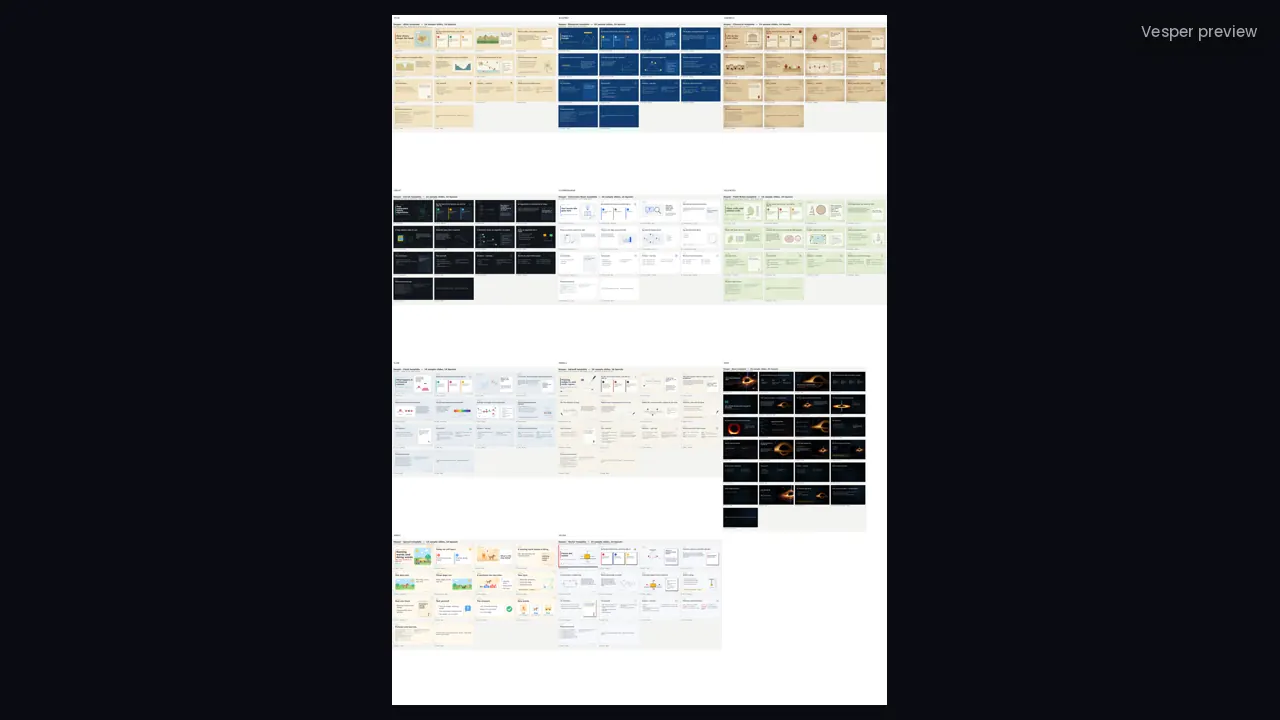
All 11 Vesper templates
Pricing coming soon -
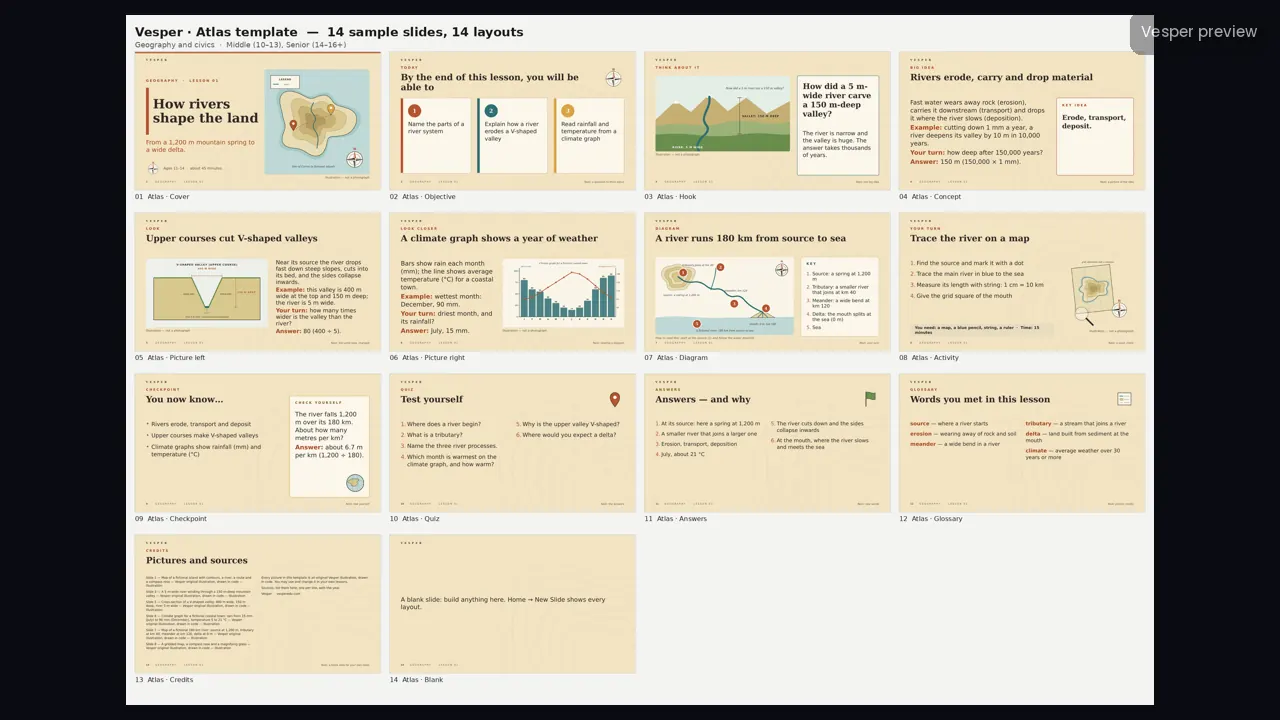
Atlas template for geography and civics
Pricing coming soon -
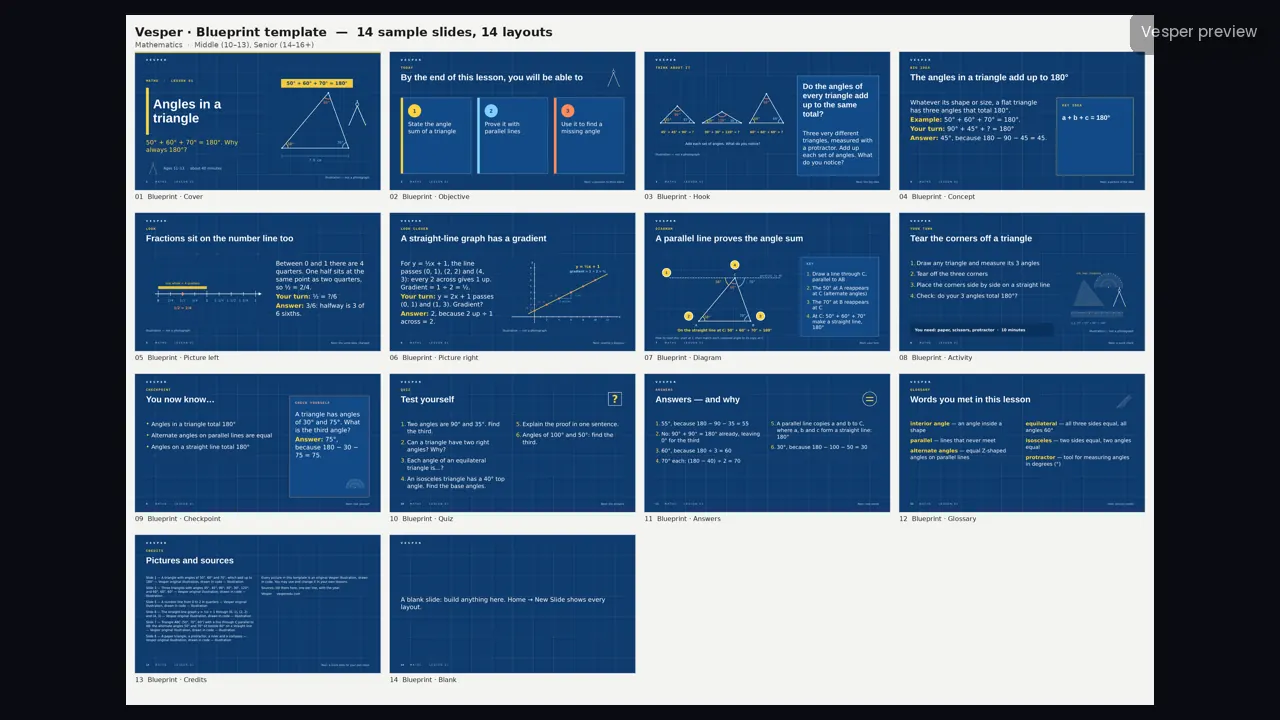
Blueprint template for maths
Pricing coming soon -
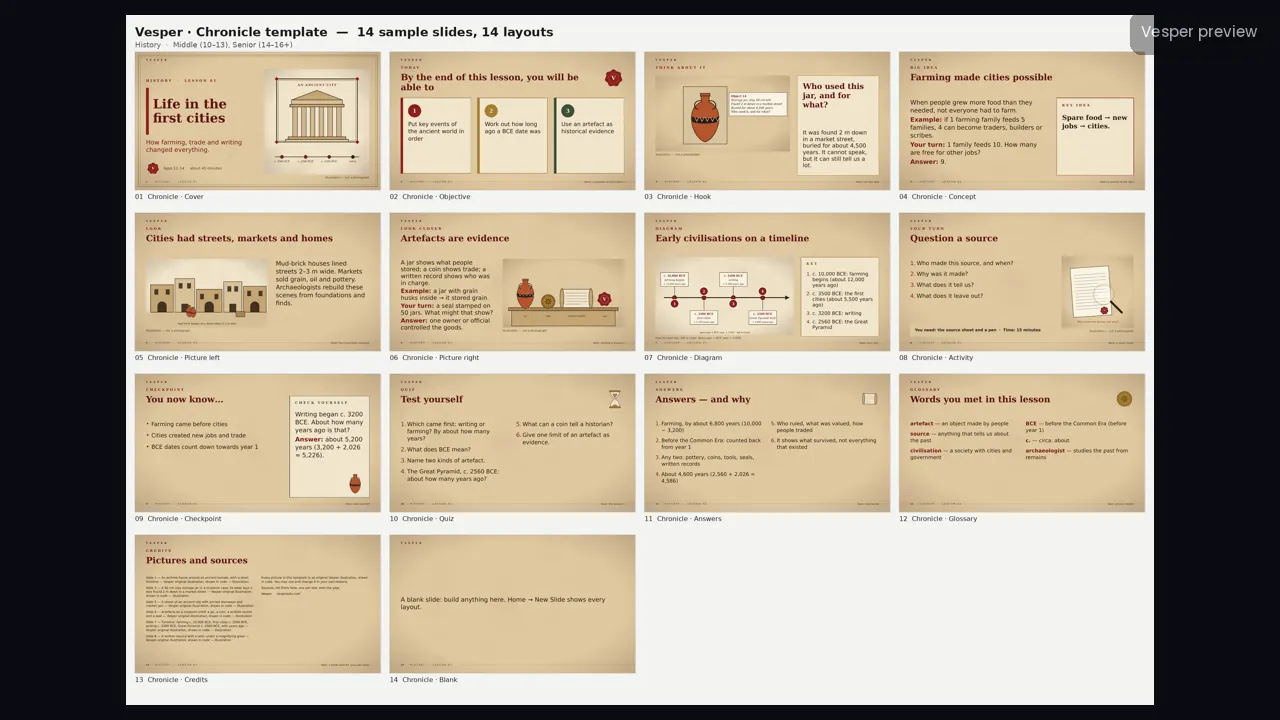
Chronicle template for history
Pricing coming soon -
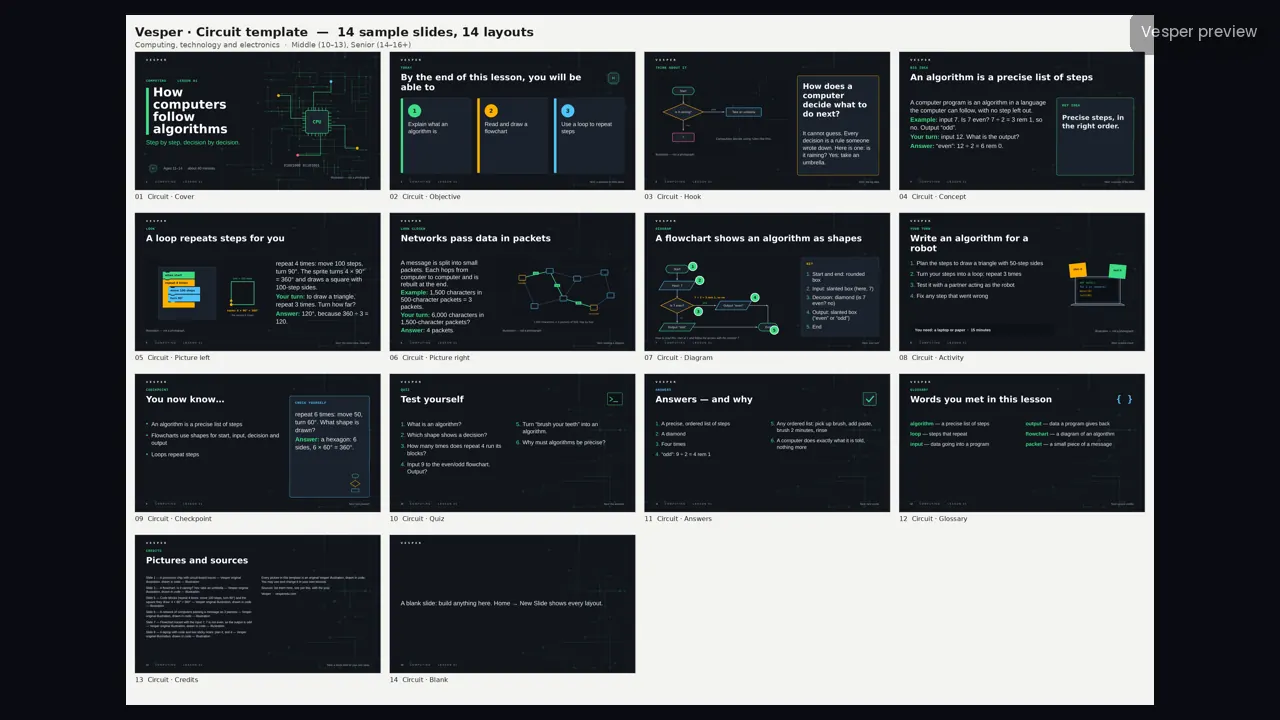
Circuit template for computing and technology
Pricing coming soon -
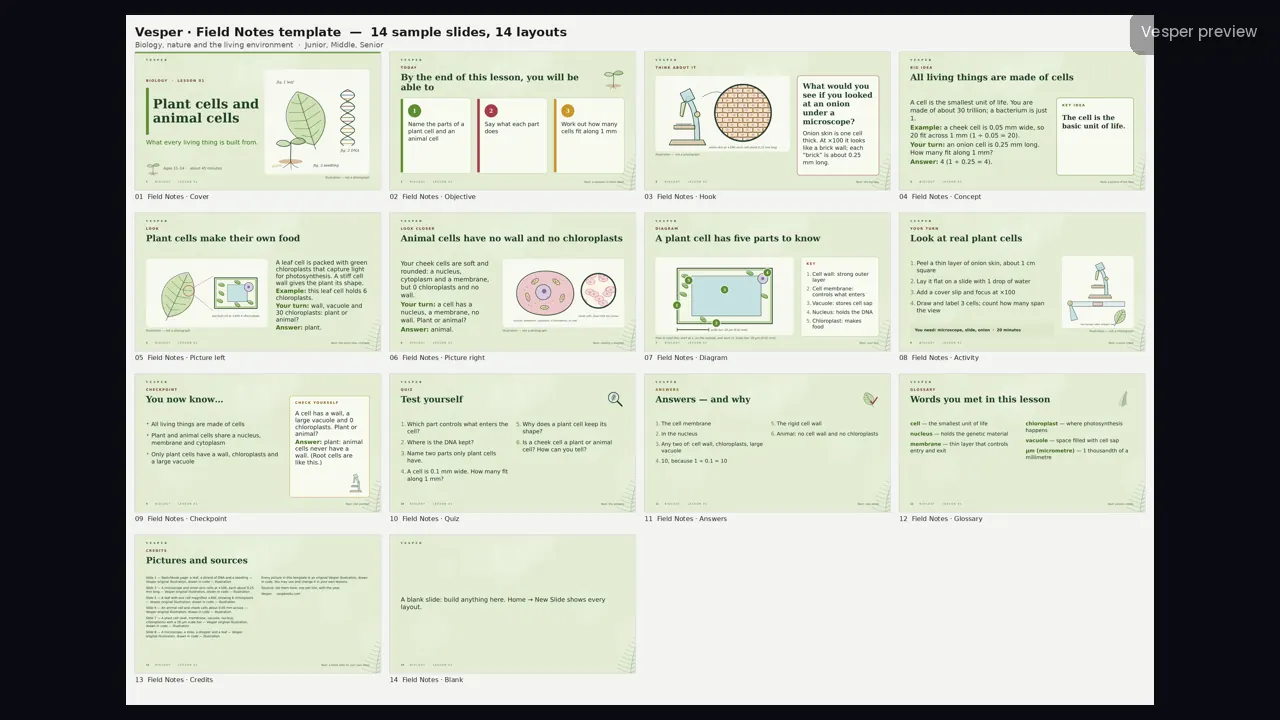
Field Notes template for biology and nature
Pricing coming soon -
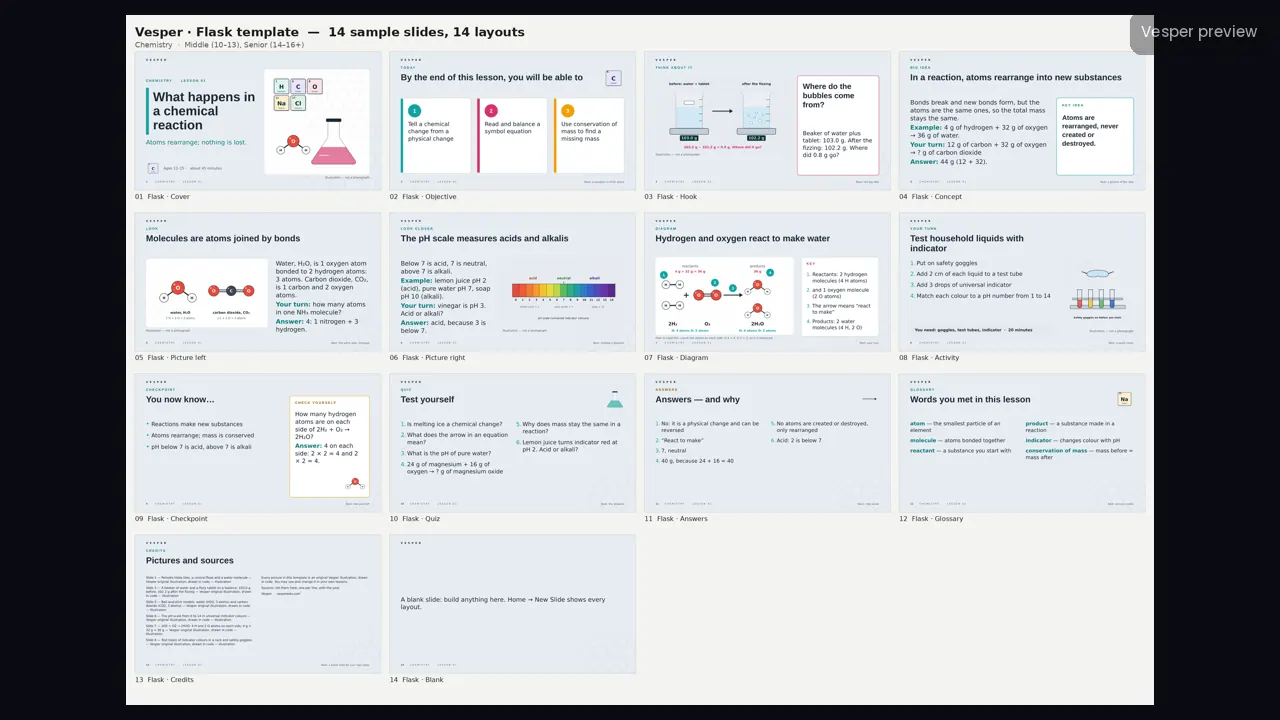
Flask template for chemistry
Pricing coming soon -
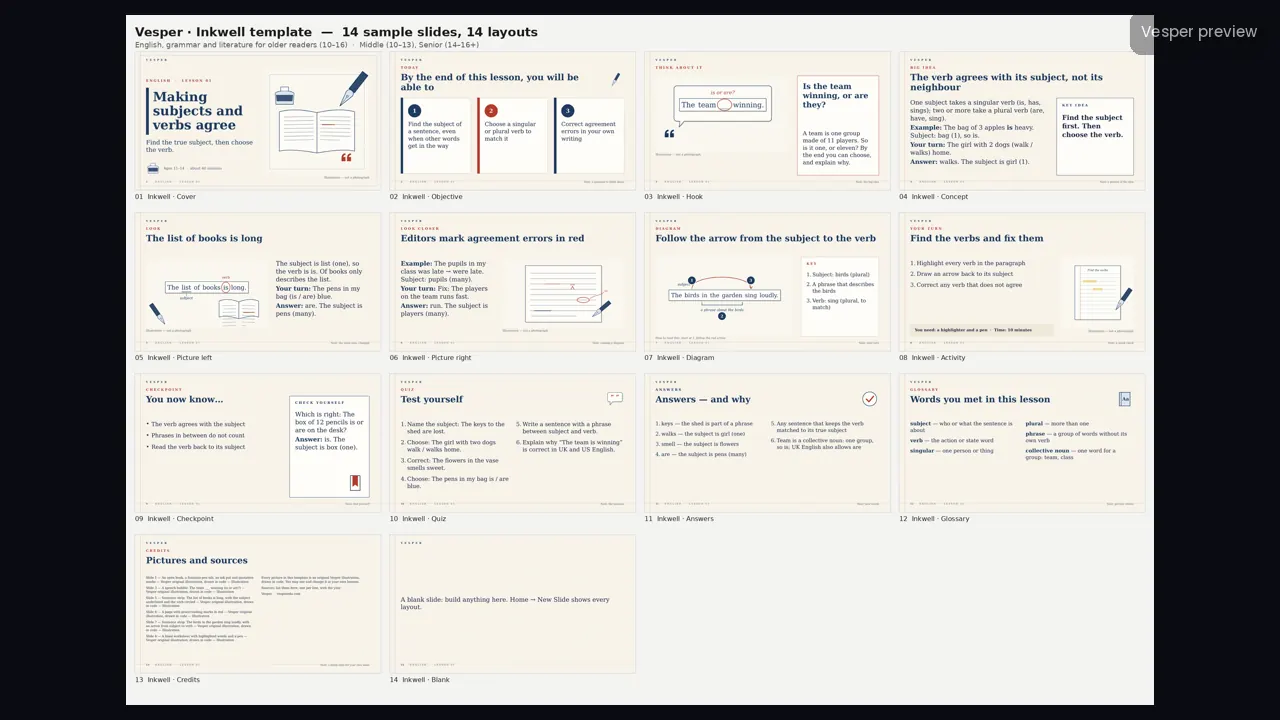
Inkwell template for English and grammar
Pricing coming soon -
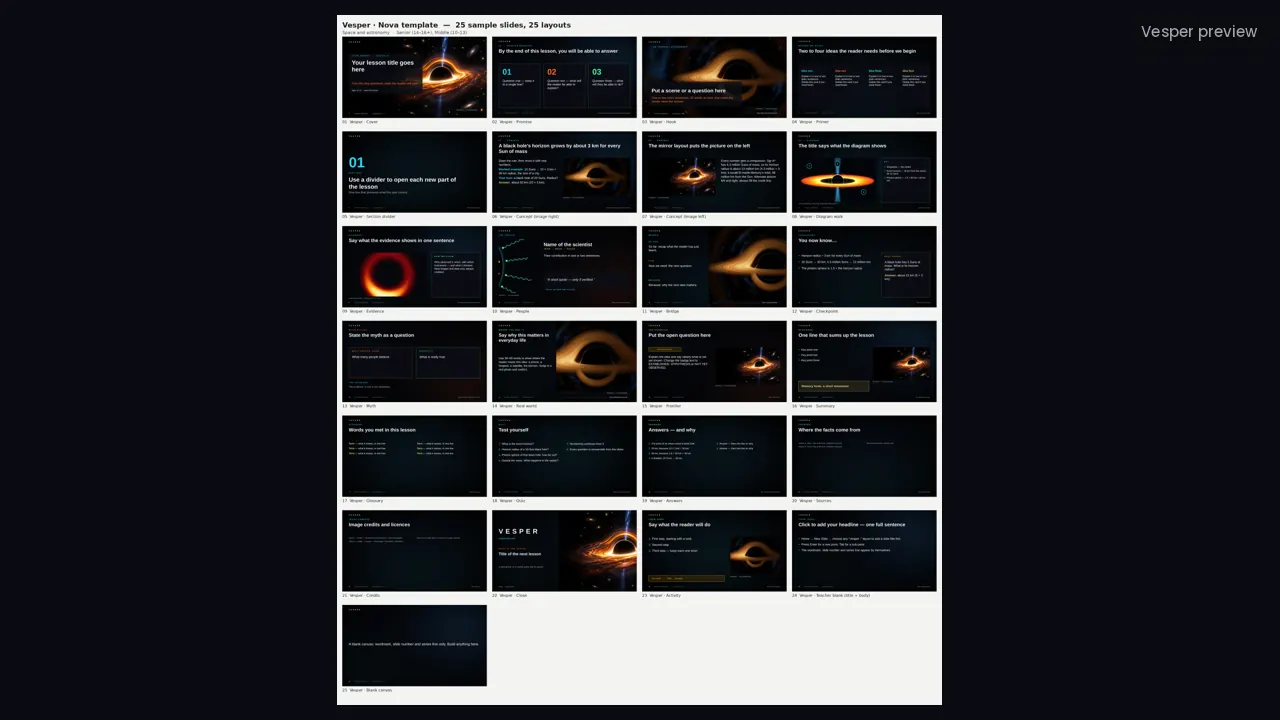
Nova template for space and astronomy
Pricing coming soon -
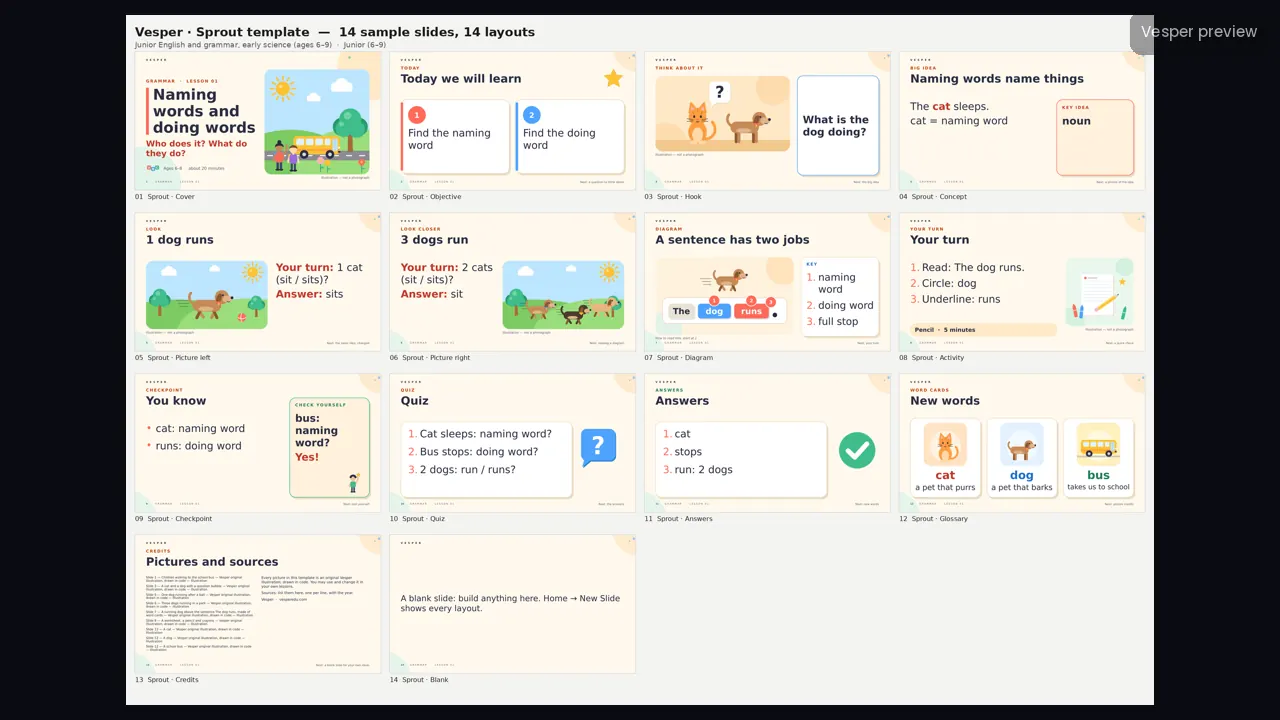
Sprout template for junior English and early science
Pricing coming soon -
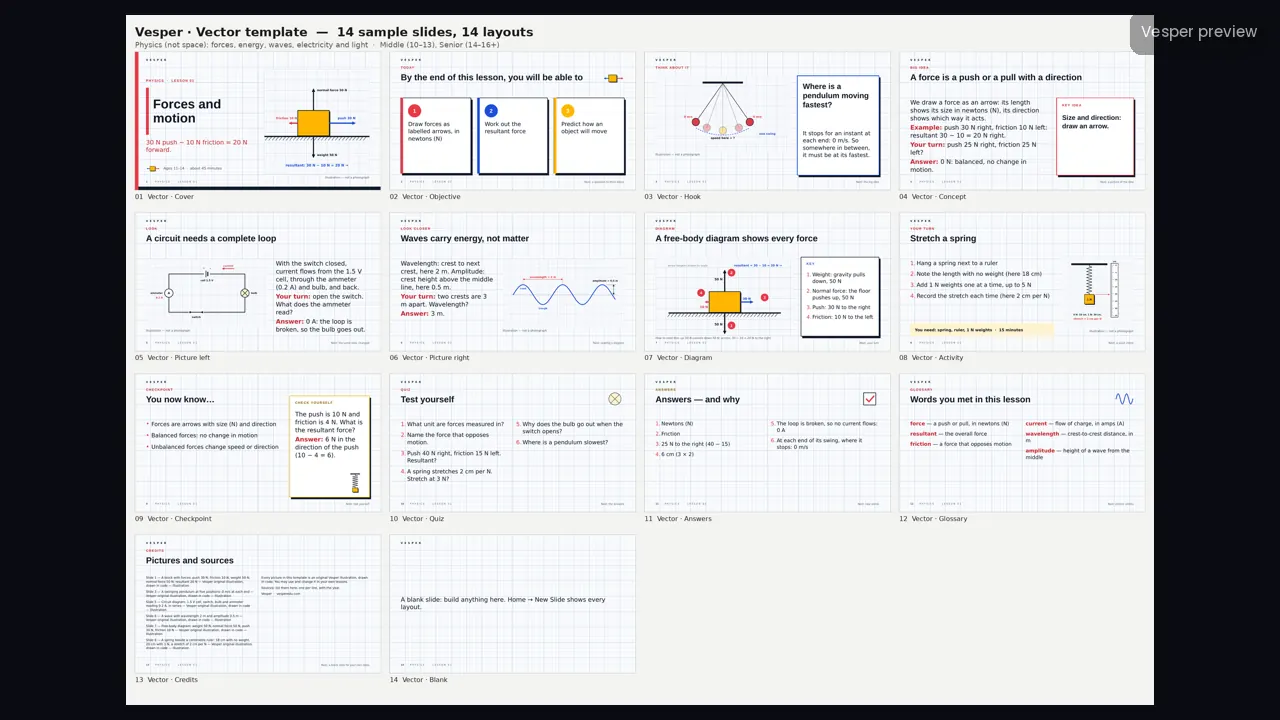
Vector template for physics
Pricing coming soon -
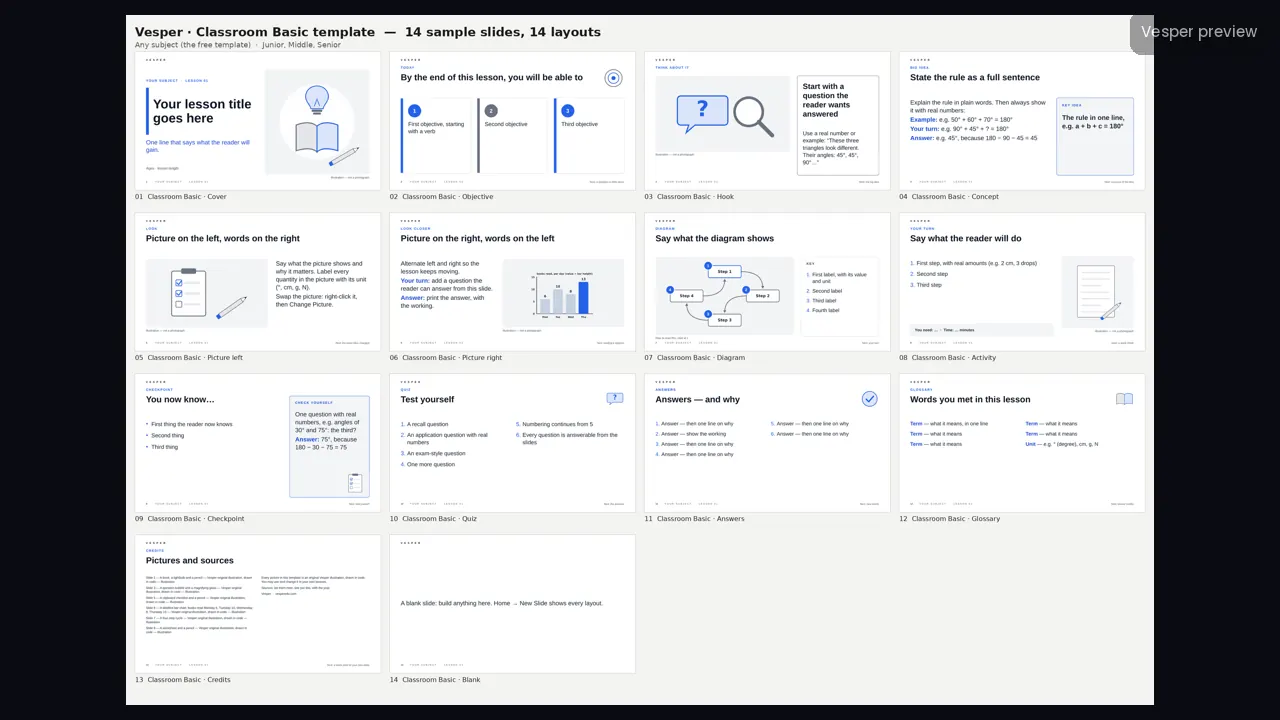
Classroom Basic template (free)
Pricing coming soon
Questions
Questions, answered
Do the templates work in Google Slides?
Yes. Import the .pptx sample or the .potx into Google Slides; the layouts come across, although some spacing may differ slightly.
Which template is free?
Classroom Basic, a clean printable template that works for any subject.
What is a .potx file?
A PowerPoint template. Double-click it and PowerPoint opens a new, untitled deck in that style, with every named layout ready to use.
Can a whole school use Vesper?
Yes. A campus licence covers every teacher at one school for 12 months. Email office@quiamo.com and we will send the details.
Free lesson
Your first lesson is on us.
Email us and we will send you a complete lesson as a PDF, free. We will not add you to a mailing list unless you ask. Under 16? Ask a parent or guardian to email for you.