Templates Ages 6–16

The Field Notes PowerPoint template for biology and nature

A naturalist's sketchbook of specimens, cells and labels.

An editable PowerPoint template for biology and nature with 14 named layouts and 20 original illustrations and icons. Open the .potx, pick a layout from New Slide and type.

The short answer

Field Notes is a PowerPoint template for biology and nature lessons, for ages 6–16. It comes as a .potx template and a filled sample deck with 14 named layouts, 20 original illustrations drawn in code, and a two-page teacher guide. Its pictures come from the subject itself: plant and animal cells, leaves and leaf veins.

Inside

layouts
14
Pricing coming soon

Pricing coming soon

We’ll email you pricing and launch offers shortly.

  • Finished and checked: buying opens soon
  • PowerPoint slide master (.potx) with named layouts, plus a how-to PDF
  • Works in PowerPoint and Google Slides
  • For one classroom. Campus licences for whole schools

Key facts

  • 14 named layouts in one slide master
  • 20 original illustrations, icons and subject icons, drawn in code
  • Delivered as .potx and a filled .pptx sample deck
  • Two-page How-to-use PDF for teachers
  • Built for Junior, Middle and Senior bands

What you can do with it

  • Teachers can start a new biology and nature deck from the .potx in one click
  • Teachers can add any of the 14 named layouts from Home, New Slide
  • Teachers can swap sample pictures with Change Picture without breaking the layout
  • Teachers can set the series line once in the slide master

About it

What it looks like

Pale green paper with a faint dot grid and a pressed-fern corner, forest ink, moss, berry, ochre and pond teal, Georgia headings with Trebuchet MS body text, and slightly rounded corners like taped specimen cards.

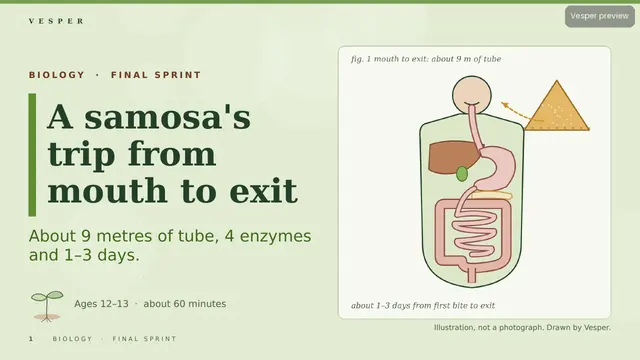
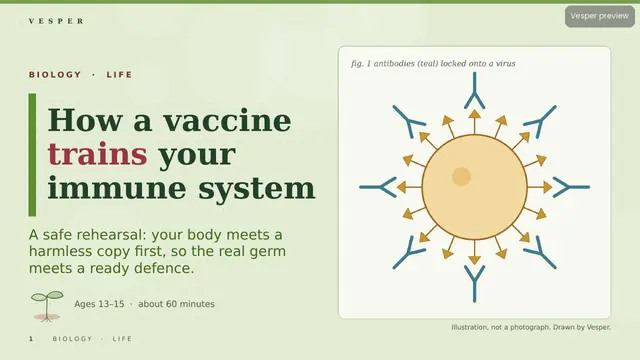
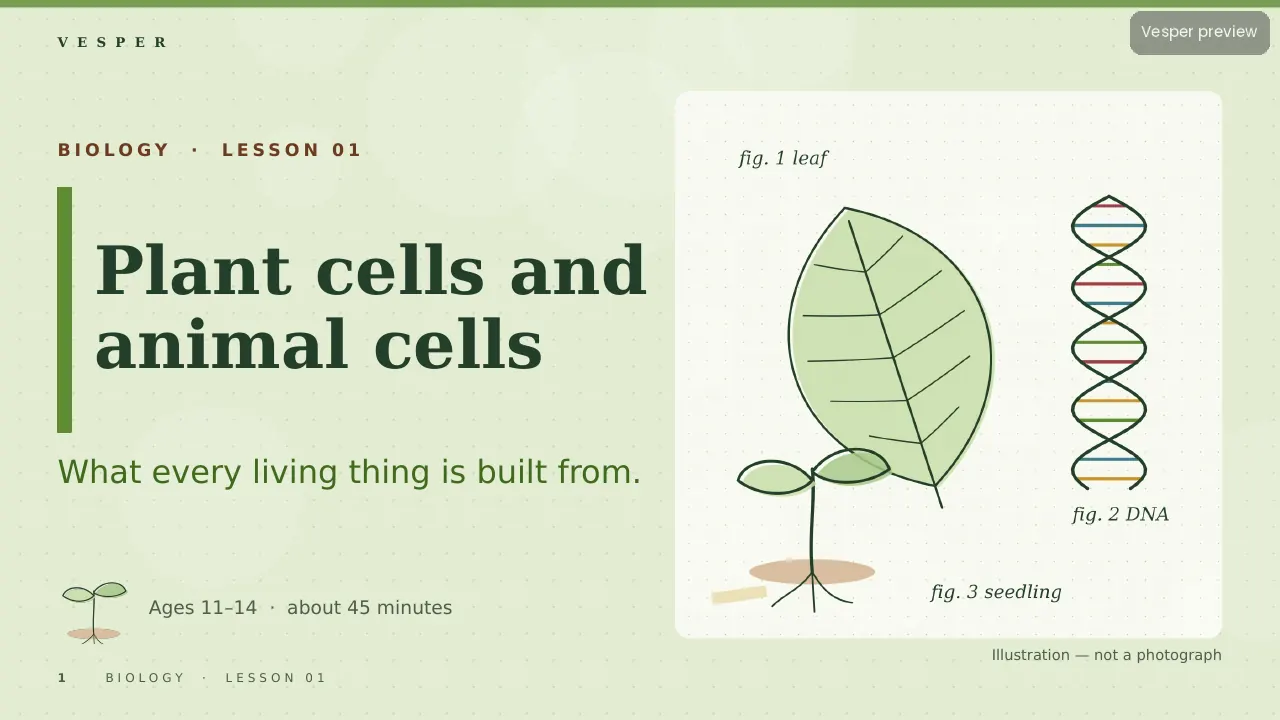
The motifs come from the subject: plant and animal cells, leaves and leaf veins, seeds and germination, the DNA double helix, microscopes and field-of-view circles, and food webs and labelled specimens. No space imagery, no chemistry glassware as decoration, no gory anatomy for juniors and no cartoon faces on cells or organs.

Inside the template

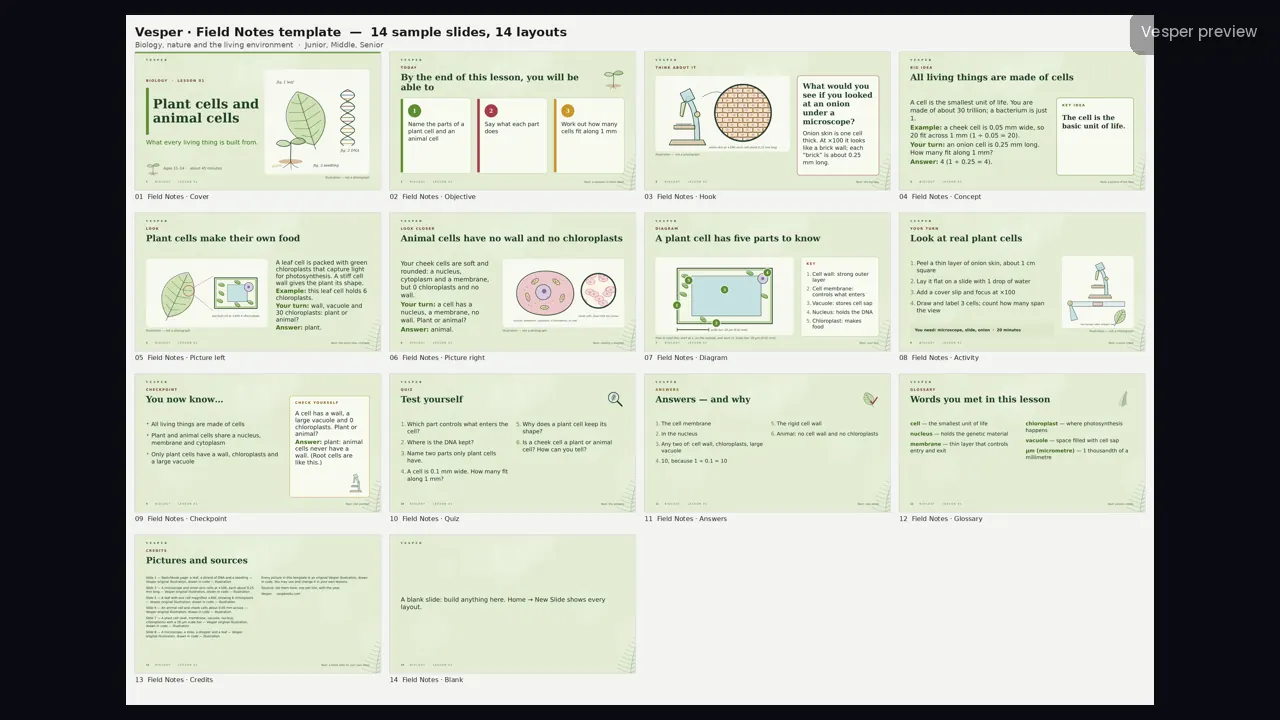
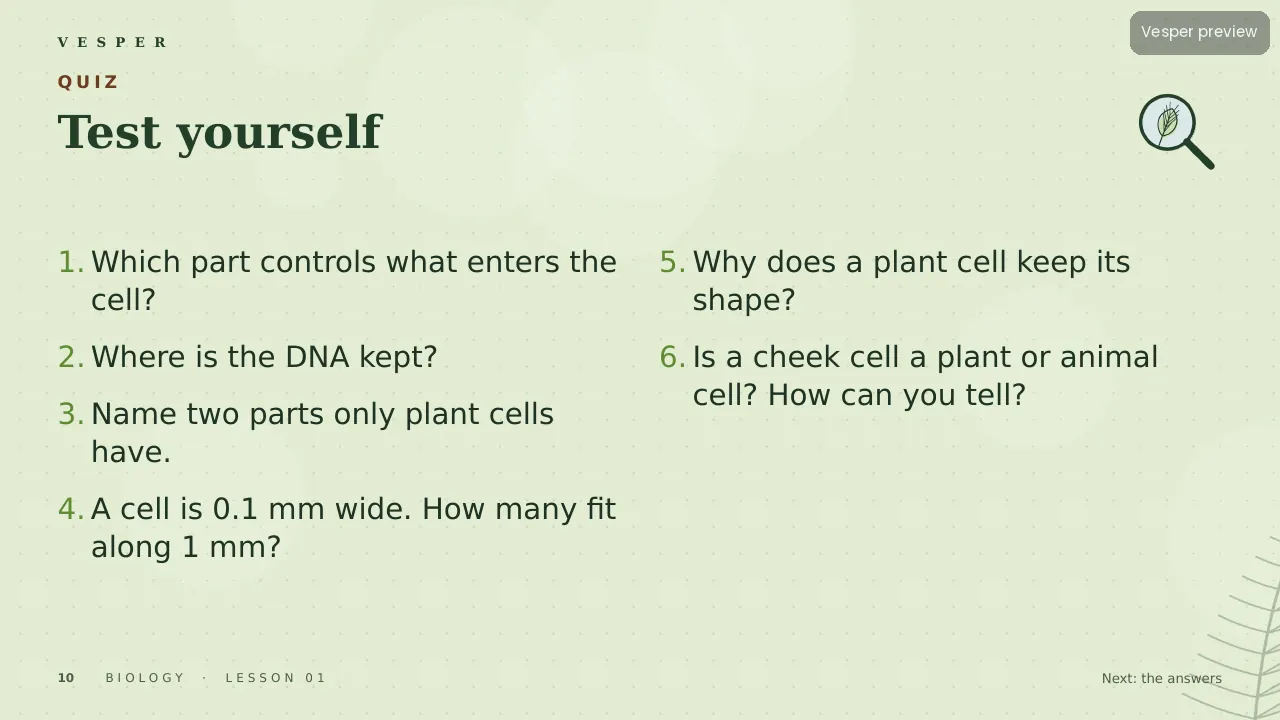
14 named layouts: Cover, Objective, Hook, Concept, Picture left, Picture right, Diagram, Activity, Checkpoint, Quiz, Answers, Glossary, Credits and Blank. Line art is dark green with watercolour-like washes and hand-lettered labels, so labelled diagrams look as if they came from a field notebook.

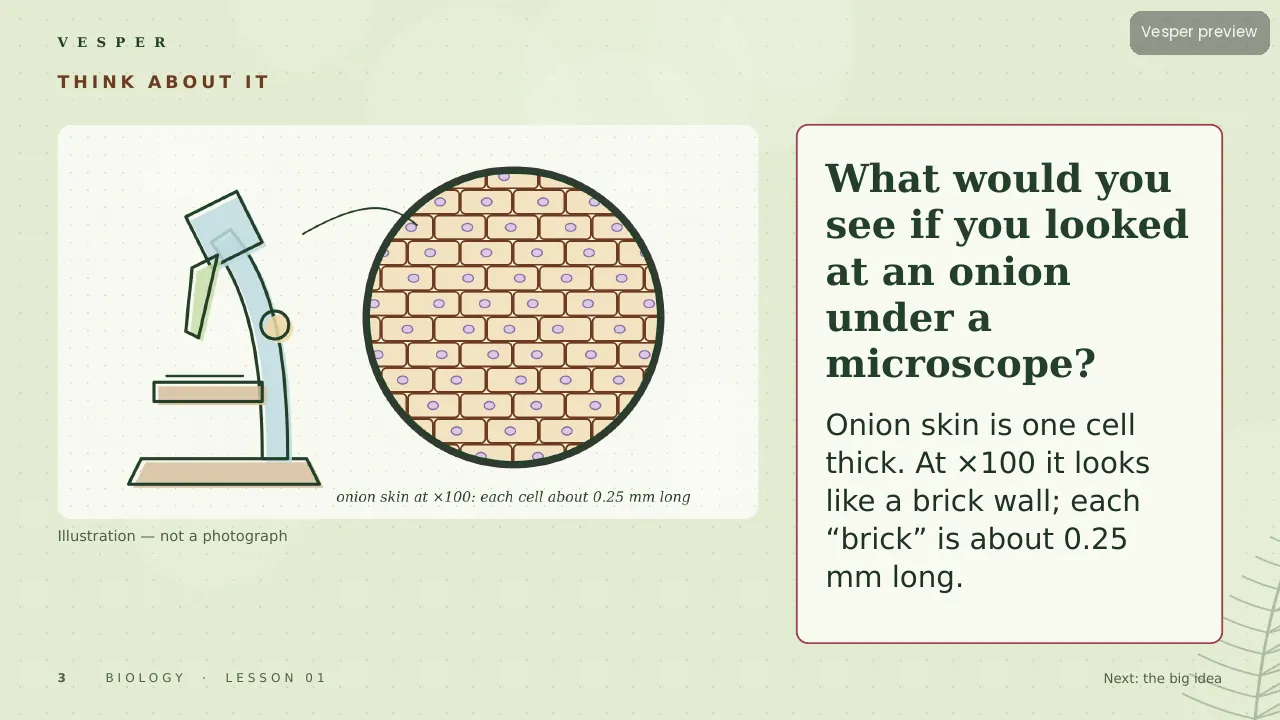
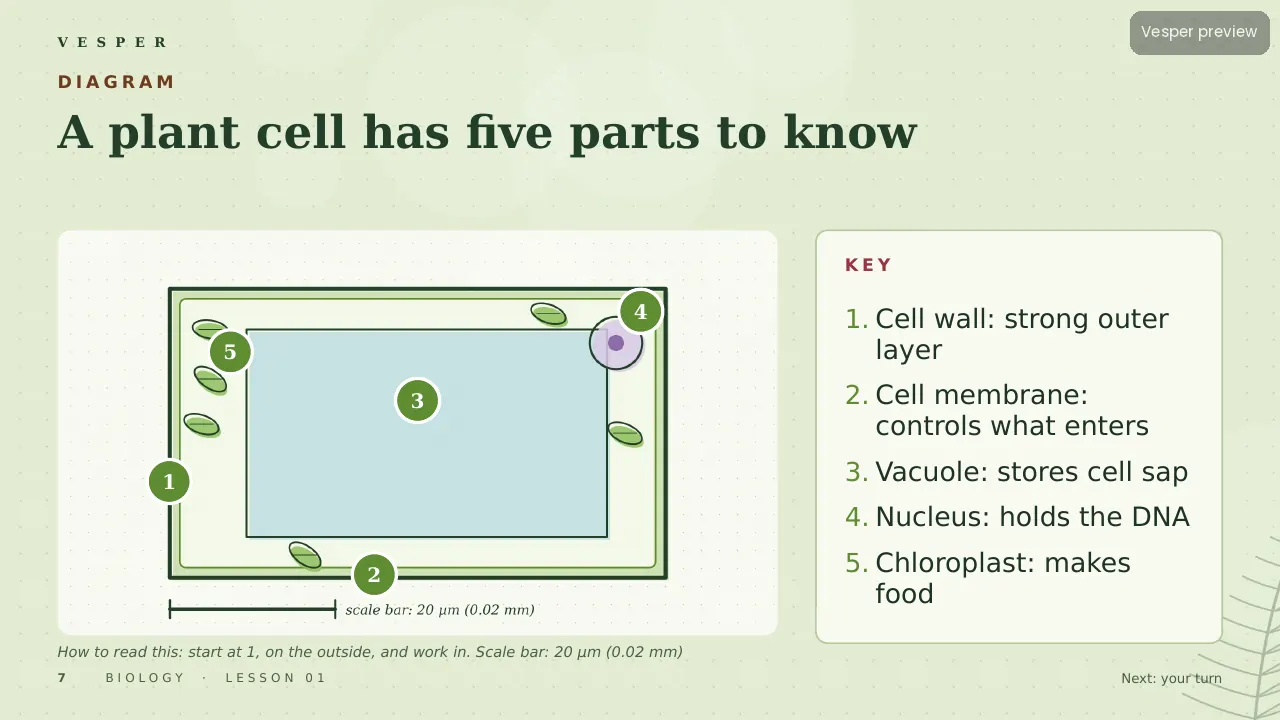
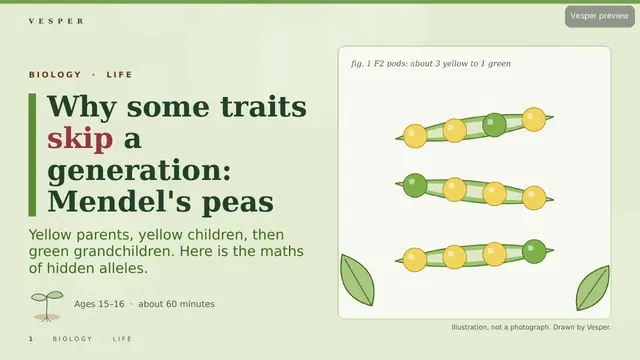
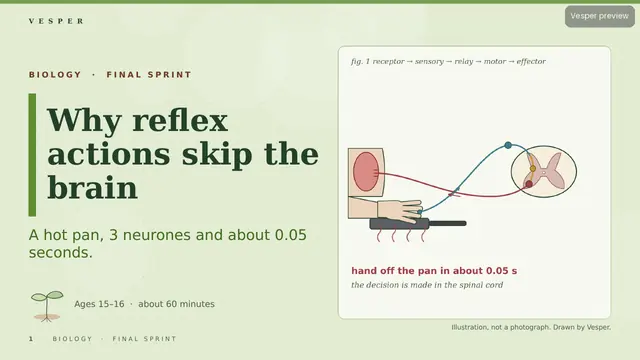
Its 20 sample pictures include a microscope with onion-skin cells, a leaf with one cell magnified, and a labelled plant cell with wall, membrane, vacuole, nucleus and chloroplasts. Every slide gets the wordmark, a live slide number and an editable series line from the master. Fonts are standard ones that ship with PowerPoint.

How teachers use it

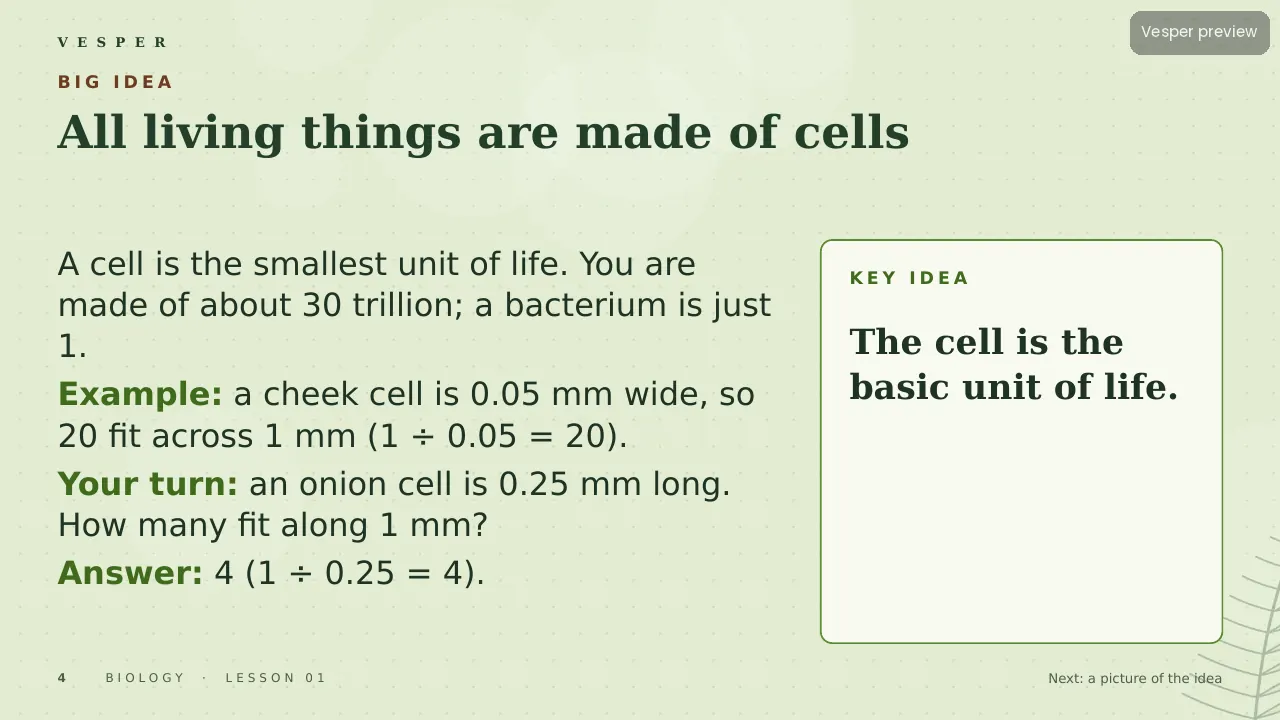
Double-click the .potx to start a new deck, then choose Home, New Slide and pick a layout by name. Replace a sample picture by right-clicking it and choosing Change Picture. Use the Diagram layout’s numbered key for labelled specimens and the Activity layout for practicals with a materials list. Change the series line once in View, Slide Master. The two-page How-to-use PDF walks through it.

Who it’s for

Teachers of biology and nature for ages 6–16 (Junior, Middle and Senior bands). Any Vesper lesson built on Field Notes uses the same slide master, so your own slides sit beside it without a join. It is also part of the all-templates bundle.
Curriculum & specs

CBSE/NCERT (India)Not applicable (template)
CambridgeNot applicable
NGSS (US)Not applicable
IB MYPNot applicable
Ages6–16
LevelMiddle
Slide templateField Notes
Named layouts14
LanguageEnglish (UK)

Questions

Questions, answered

What is the Field Notes template for?

Biology and nature lessons for ages 6–16. A naturalist's sketchbook of specimens, cells and labels.

How do I add a new slide?

In PowerPoint, choose Home, New Slide and pick a layout by its name. Every layout keeps the wordmark, slide number and series line.

Can I change the pictures?

Yes. Right-click a picture and choose Change Picture. The sample illustrations are original Vesper artwork drawn in code.

Does it work in Google Slides?

It is built for PowerPoint (.potx and .pptx). Its fonts are standard ones that also exist in Google Slides.

Can I use it for my own lessons?

Yes. It is made for teachers to build their own decks, and Vesper lessons in the same family share its master, so you can add your own slides to them.

Is the template free?

No. It is a paid template, and it is also included in the bundle of all 11 Vesper templates.

Main sources

  1. Original Vesper illustrations drawn in code (no stock, no Canva elements, no copyrighted characters)

The full source list is on the last slides of the deck. Spotted an error? Tell us.