About it
What it looks like
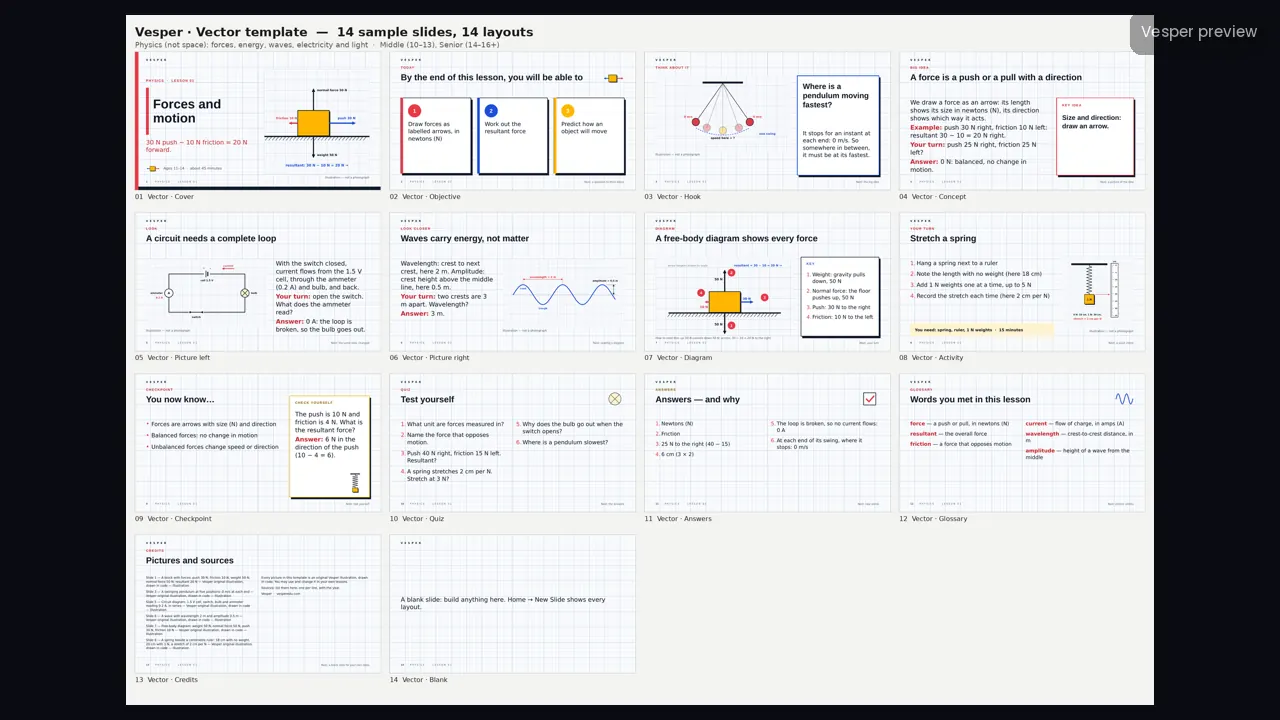
Light graph paper with a fine and bold blue-grey grid, ink black with red, blue and yellow, Arial headings with Verdana body text, and square corners with a hard black offset shadow.
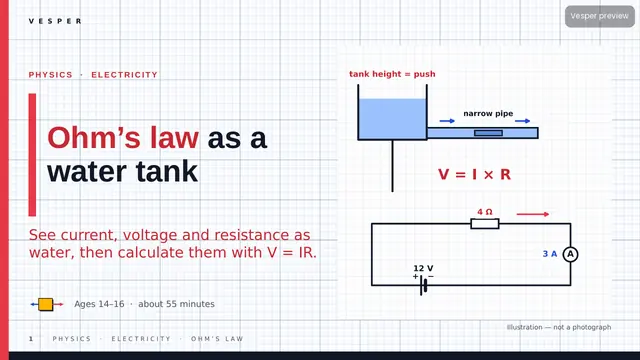
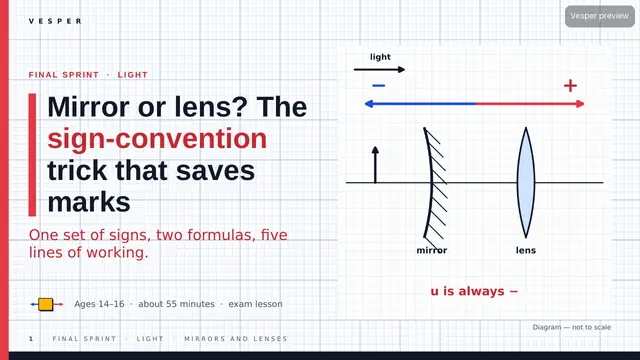
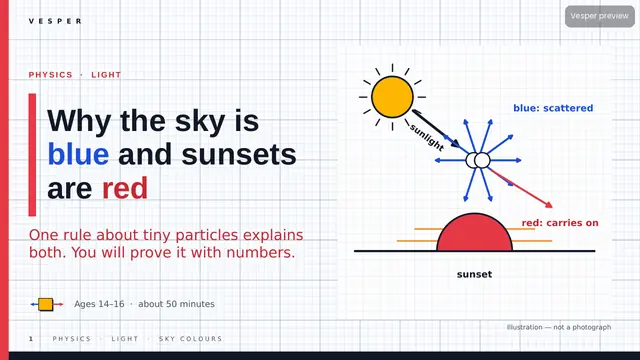
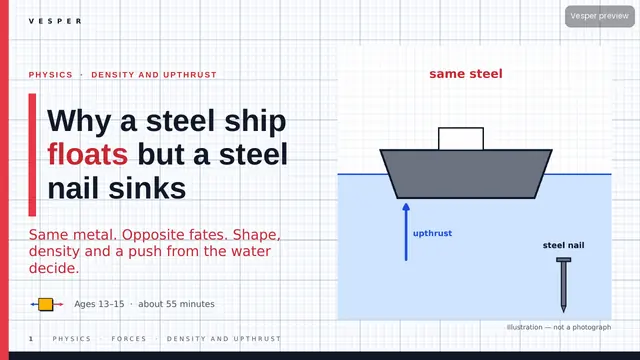
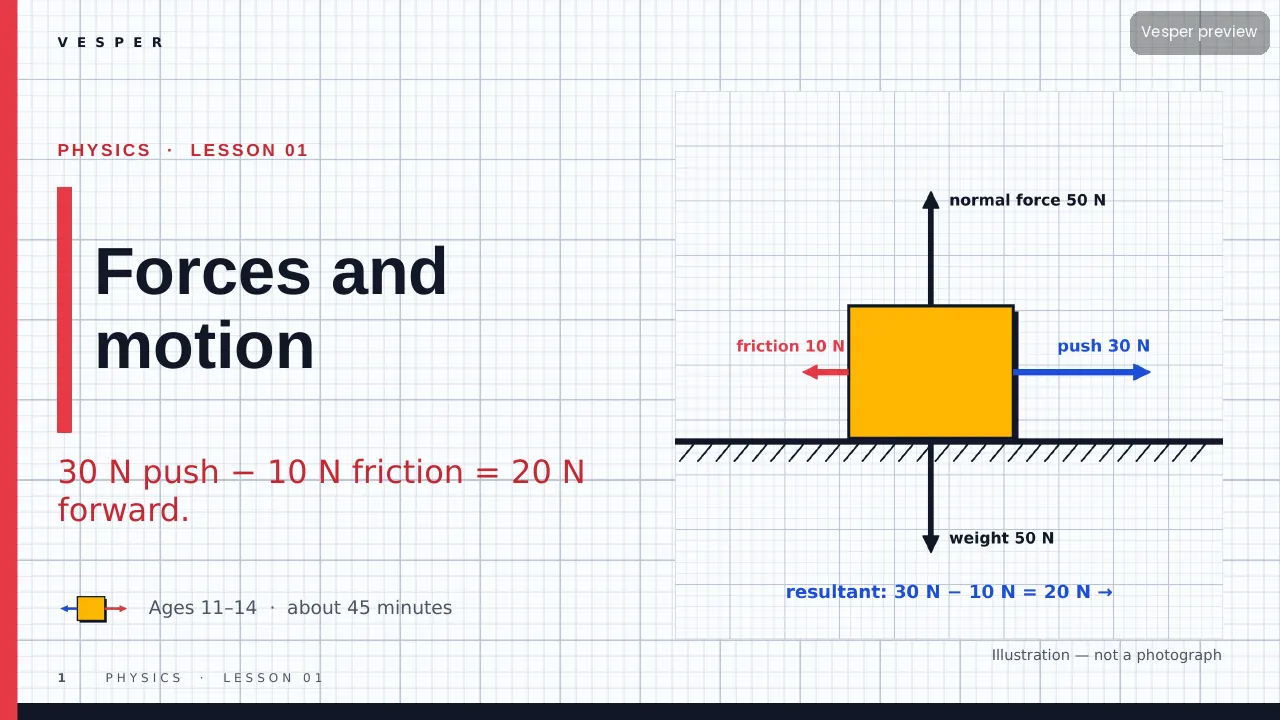
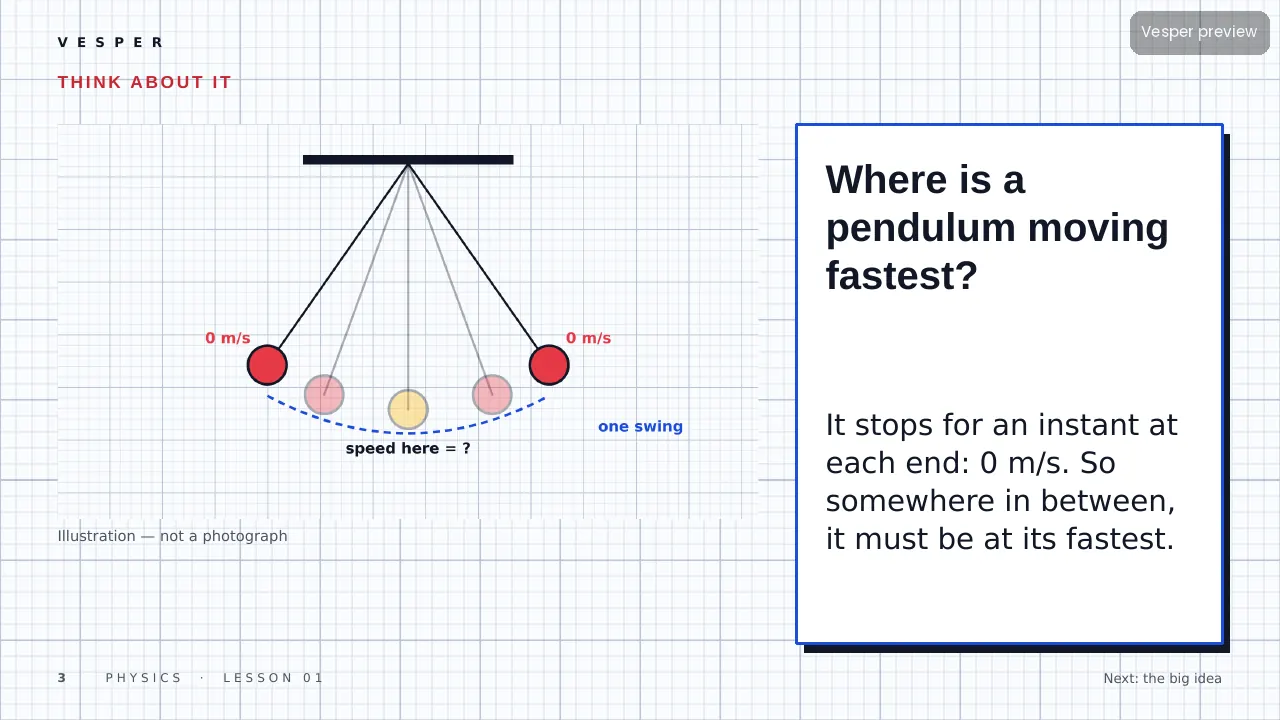
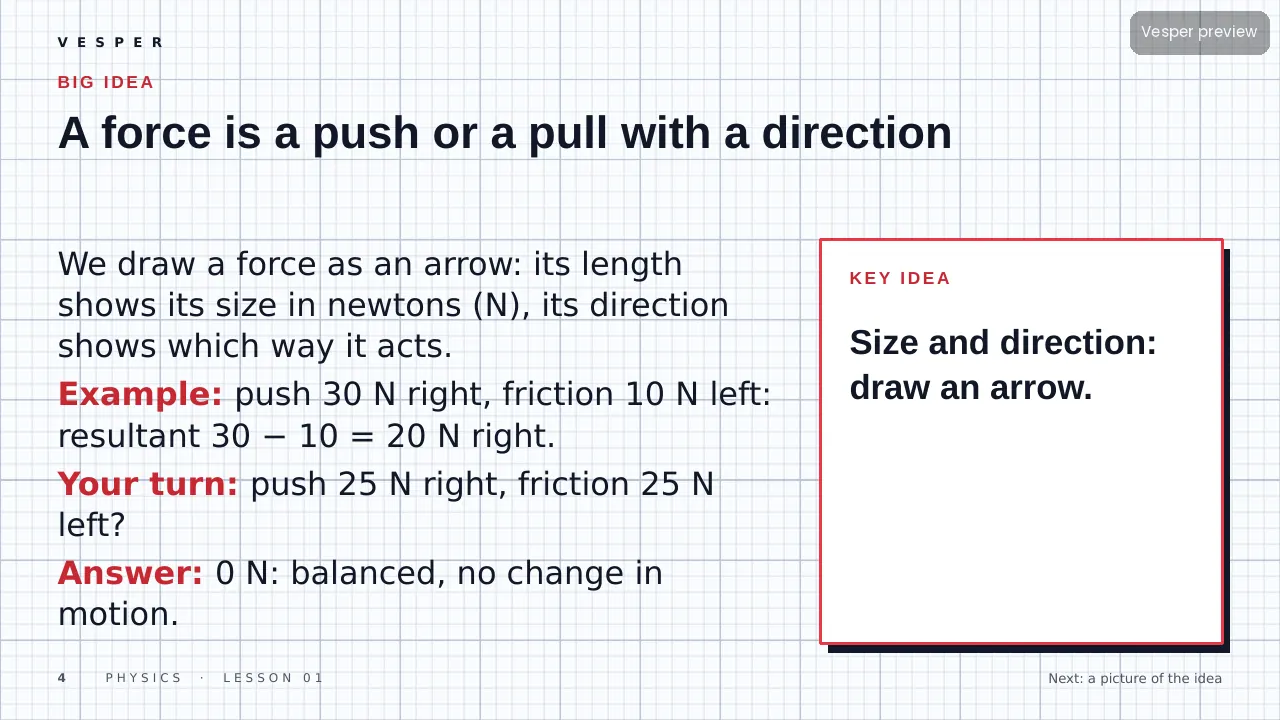
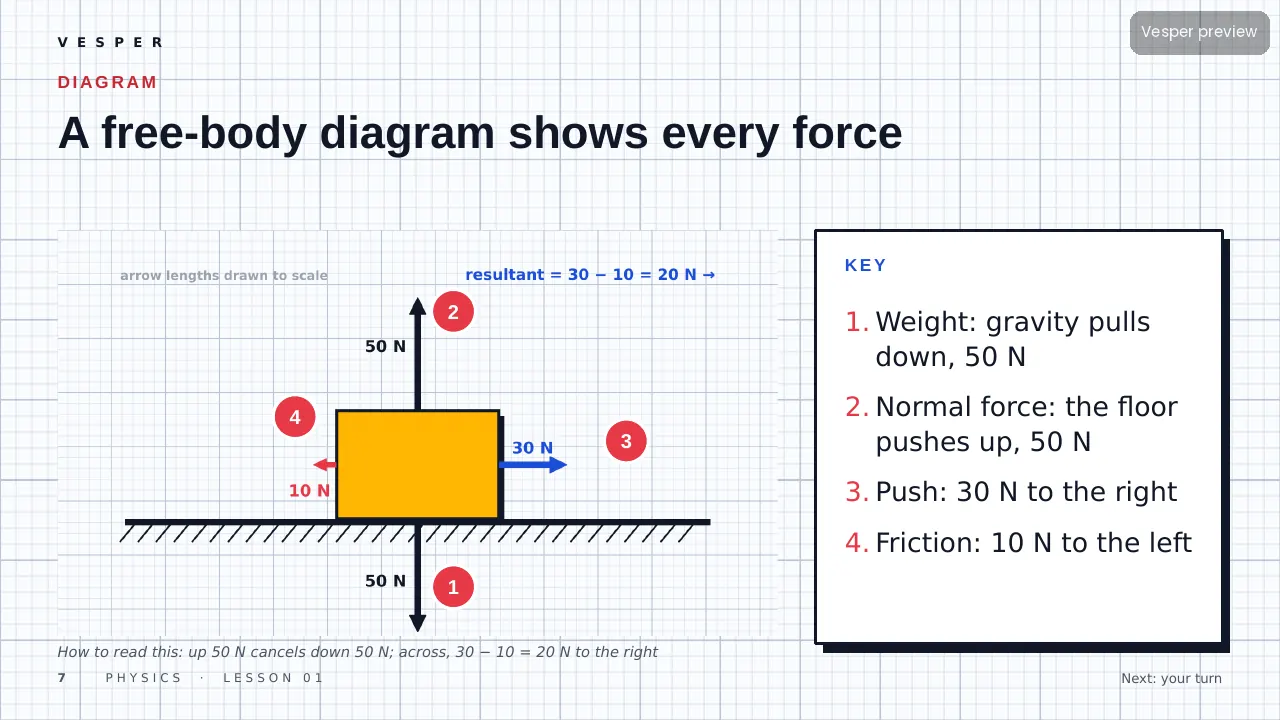
The motifs come from the subject: force arrows on objects (free-body diagrams), circuit diagrams with a cell, bulb, switch and ammeter, waves with wavelength and amplitude marked, ray diagrams through lenses and mirrors, springs and pendulums, and energy bar charts. No space imagery (that is Nova), no pure maths constructions as decoration and no computer chips or code.
Inside the template
14 named layouts: Cover, Objective, Hook, Concept, Picture left, Picture right, Diagram, Activity, Checkpoint, Quiz, Answers, Glossary, Credits and Blank. Drawings are bold two-colour engineering sketches with thick black outlines, so arrows and labels stay readable from the back of a room.
Its 20 sample pictures include a block with four labelled force arrows, a pendulum at five positions, a series circuit and a spring stretched by a 1 N weight beside a ruler. Every slide gets the wordmark, a live slide number and an editable series line from the master. Fonts are standard ones that ship with PowerPoint.
How teachers use it
Double-click the .potx to start a new deck, then choose Home, New Slide and pick a layout by name. Replace a sample picture by right-clicking it and choosing Change Picture. Use Diagram for a free-body or ray diagram with a numbered key, and Activity for a measurement practical. Change the series line once in View, Slide Master. The two-page How-to-use PDF walks through it.
Who it’s for
Teachers of physics for ages 10–16 (Middle (10–13) and Senior (14–16+) bands). Any Vesper lesson built on Vector uses the same slide master, so your own slides sit beside it without a join. It is also part of the all-templates bundle.