About it
What it looks like
Sepia paper with a darker vignette and archive corner marks, deep red, ink brown, brass and olive, Georgia headings and labels with Trebuchet MS body text, and square double-ruled frames.
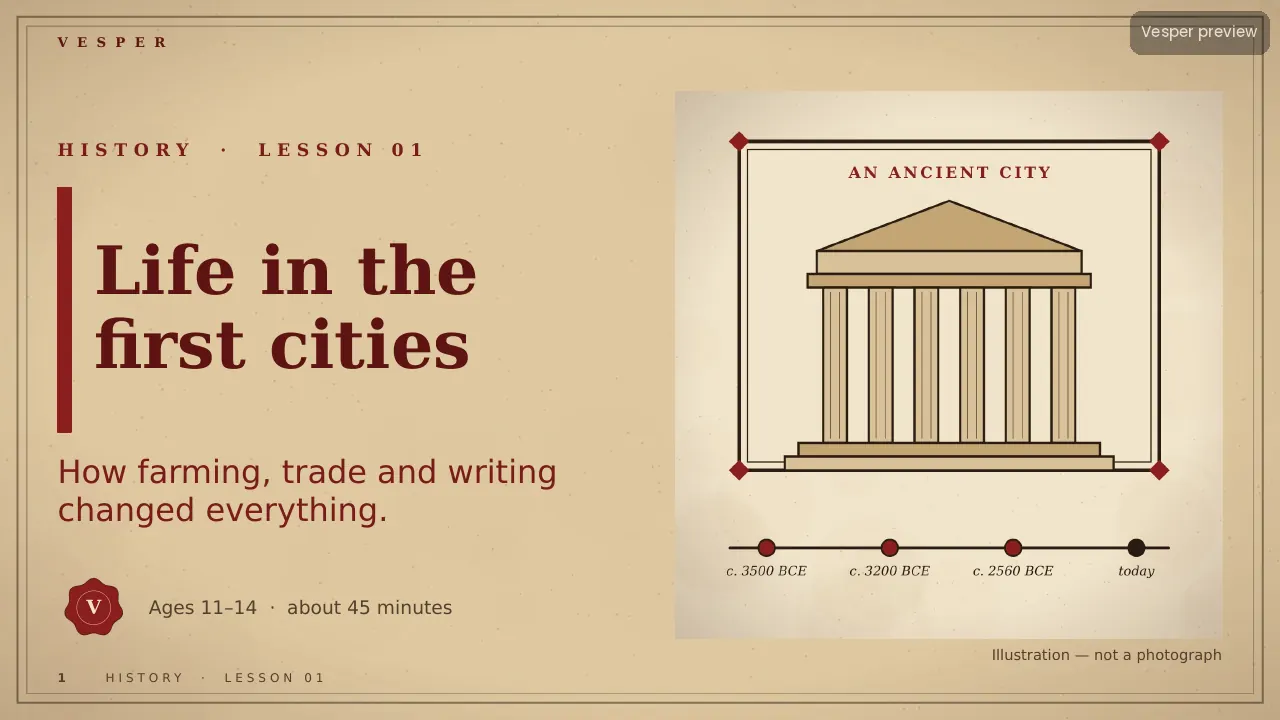
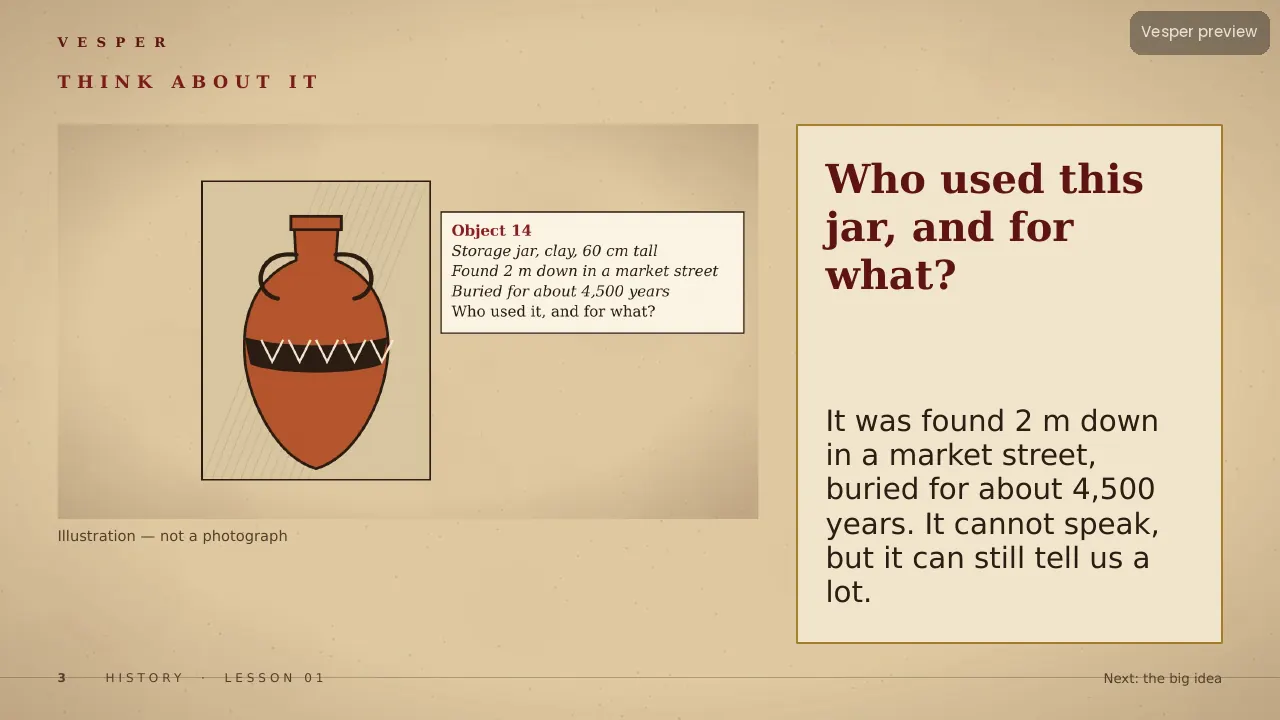
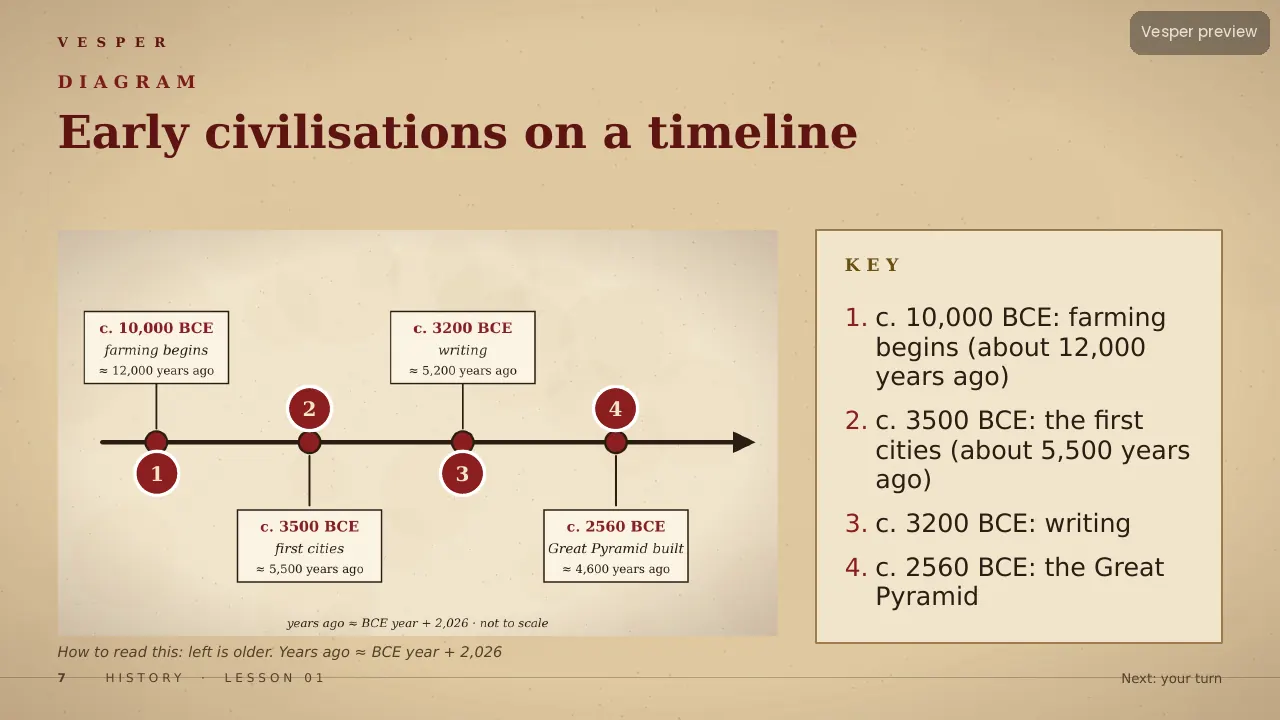
The motifs come from the subject: timelines with dated markers, artefacts (pots, coins, scrolls and seals), archival frames and museum labels, ancient architecture such as columns and arches, an hourglass and dated documents, and period maps shown as framed artefacts. No space imagery, no modern geography maps or climate graphs, no weapons or violence as decoration, and no invented ‘photos’ of the past: every illustration is labelled.
Inside the template
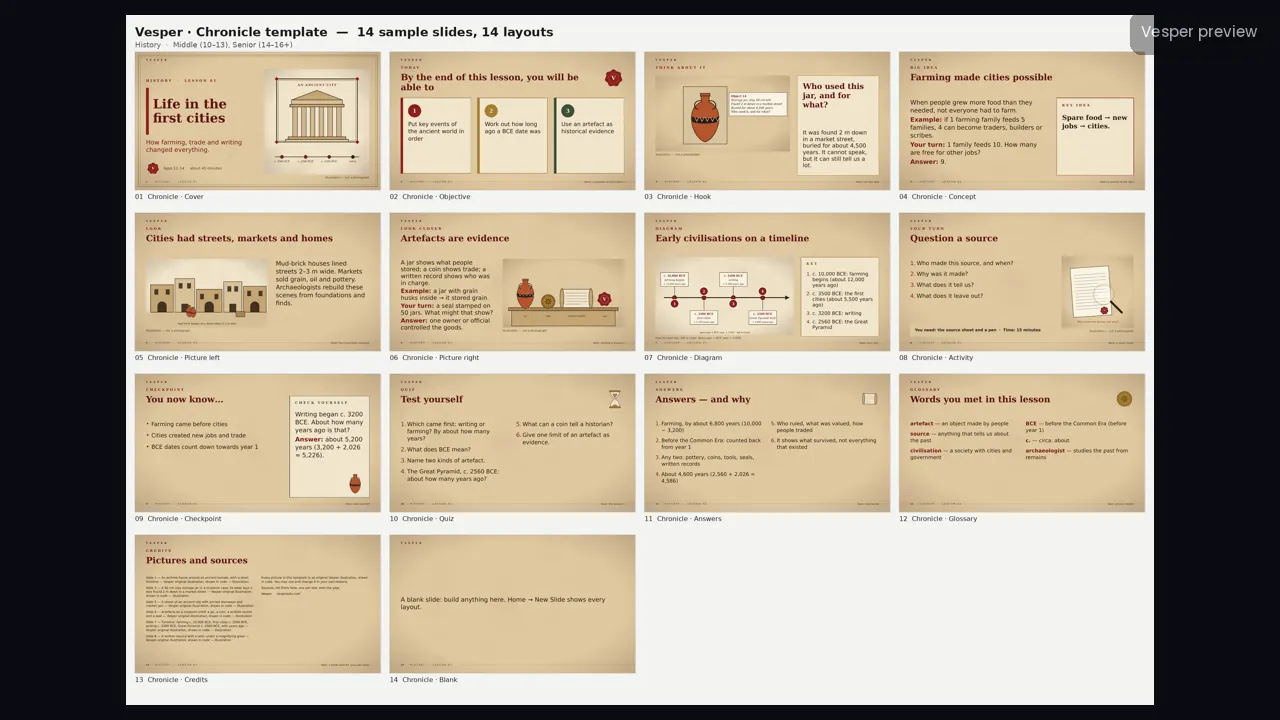
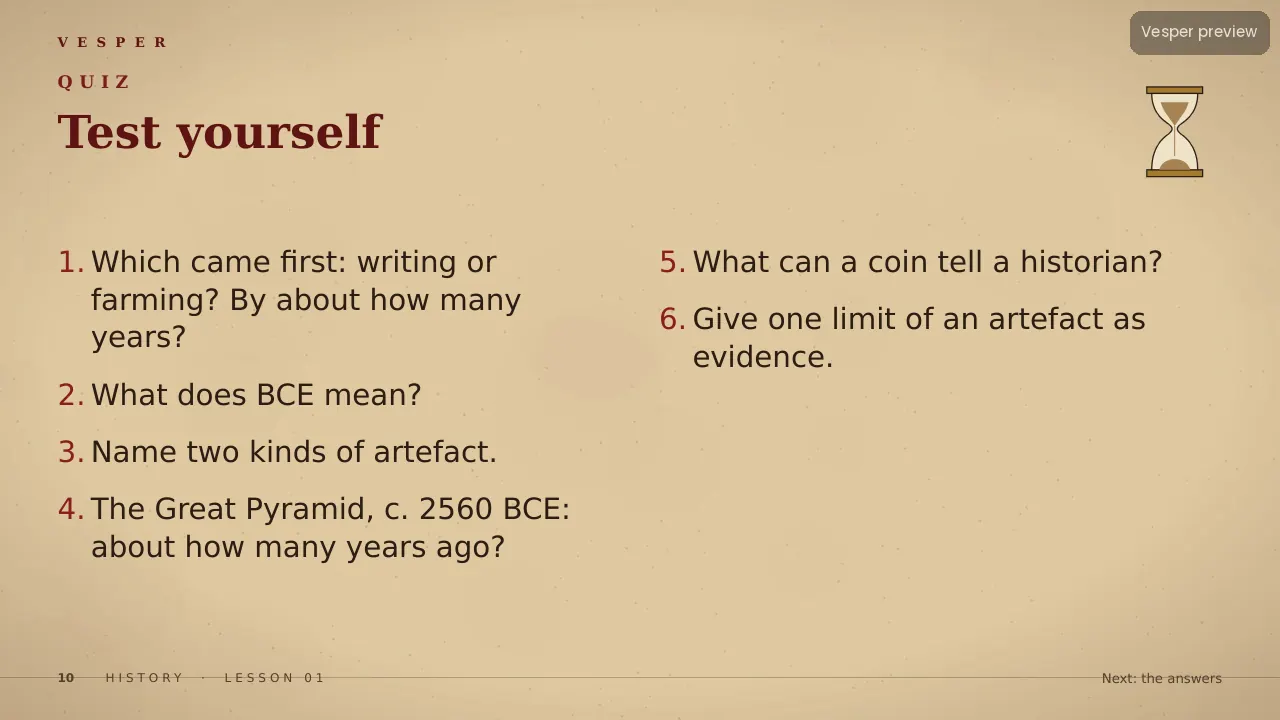
14 named layouts: Cover, Objective, Hook, Concept, Picture left, Picture right, Diagram, Activity, Checkpoint, Quiz, Answers, Glossary, Credits and Blank. Illustrations are engraving-like brown line work with flat sepia fills and deep red accents.
Its 20 sample pictures include a clay jar in a museum case with its label, a street of an ancient city, and a timeline from farming to the Great Pyramid. Every slide gets the wordmark, a live slide number and an editable series line from the master. Fonts are standard ones that ship with PowerPoint.
How teachers use it
Double-click the .potx to start a new deck, then choose Home, New Slide and pick a layout by name. Replace a sample picture by right-clicking it and choosing Change Picture. Use the Diagram layout for a timeline with numbered events and Picture left for a source with its museum label. Change the series line once in View, Slide Master. The two-page How-to-use PDF walks through it.
Who it’s for
Teachers of history for ages 10–16 (Middle (10–13) and Senior (14–16+) bands). Any Vesper lesson built on Chronicle uses the same slide master, so your own slides sit beside it without a join. It is also part of the all-templates bundle.