

About it
What it looks like
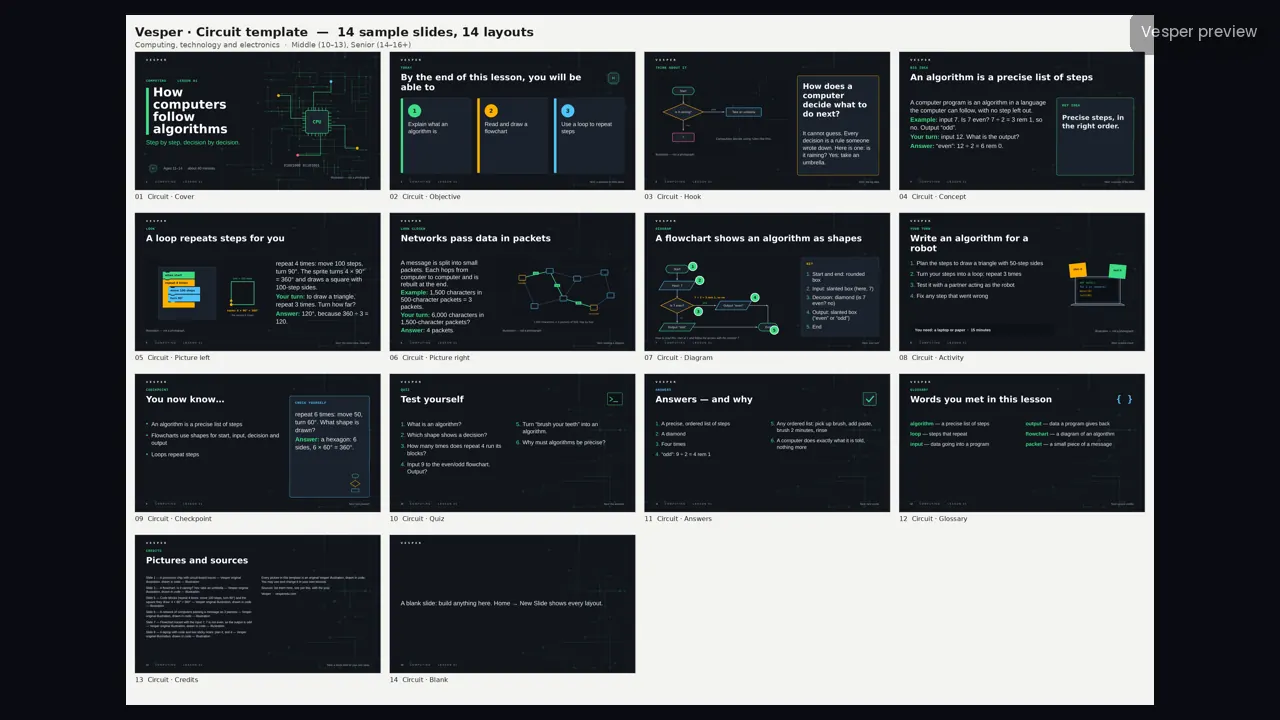
Dark slate with faint right-angled board traces, terminal green, amber, signal blue and alert pink, Trebuchet MS headings, Arial body and Courier New labels, and slightly rounded corners.
The motifs come from the subject: code blocks and brackets, flowcharts with decision diamonds, circuit-board traces and chips, binary and data packets, network nodes and links, and laptops and terminal windows. No space imagery or star fields, no physics ray or force diagrams, and no real brand logos or product photos.
Inside the template
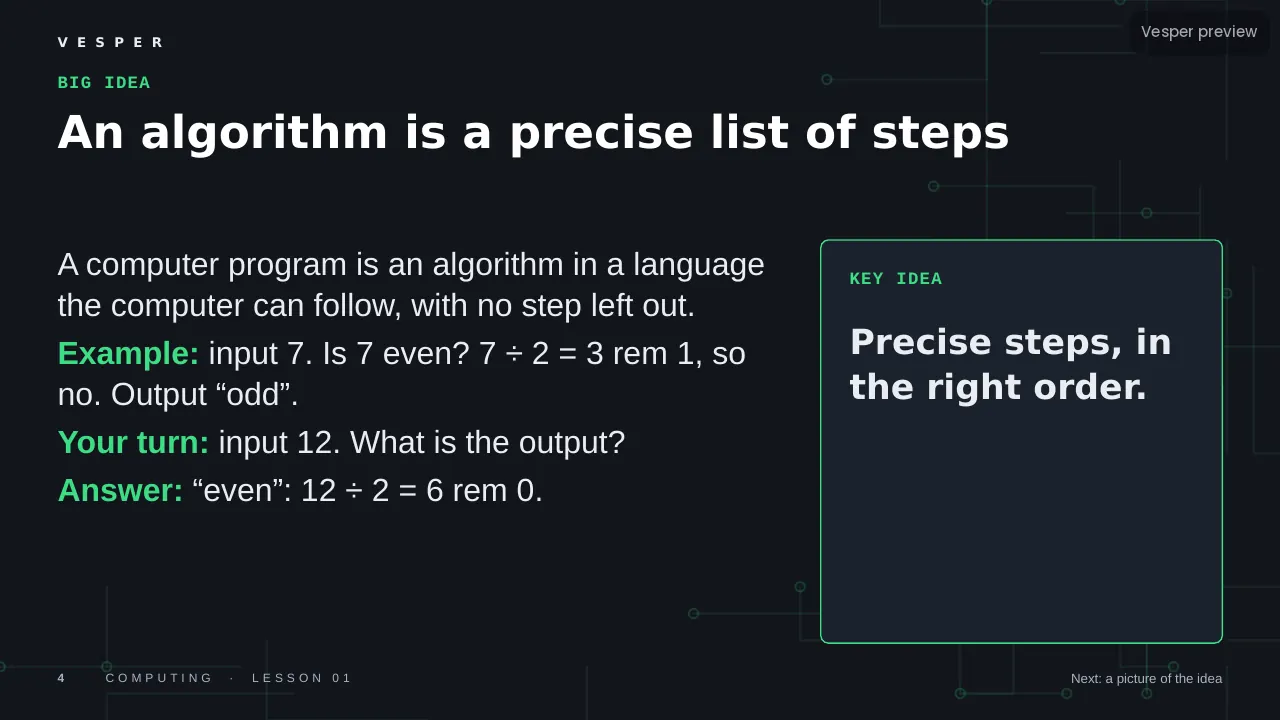
14 named layouts: Cover, Objective, Hook, Concept, Picture left, Picture right, Diagram, Activity, Checkpoint, Quiz, Answers, Glossary, Credits and Blank. Labels are set in a monospace font, so code and pseudo-code look like code.
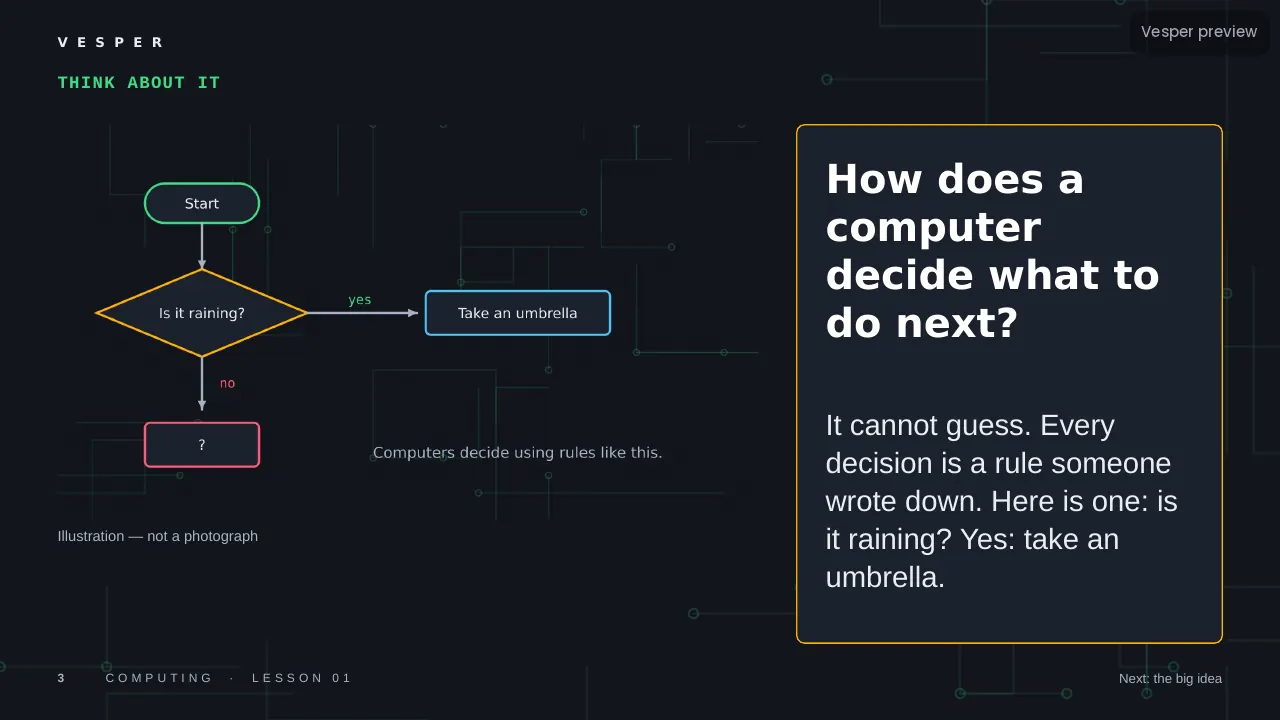
Its 20 sample pictures include a flowchart (is it raining? take an umbrella), code blocks that draw a square, and a network passing a data packet. Every slide gets the wordmark, a live slide number and an editable series line from the master. Fonts are standard ones that ship with PowerPoint.
How teachers use it
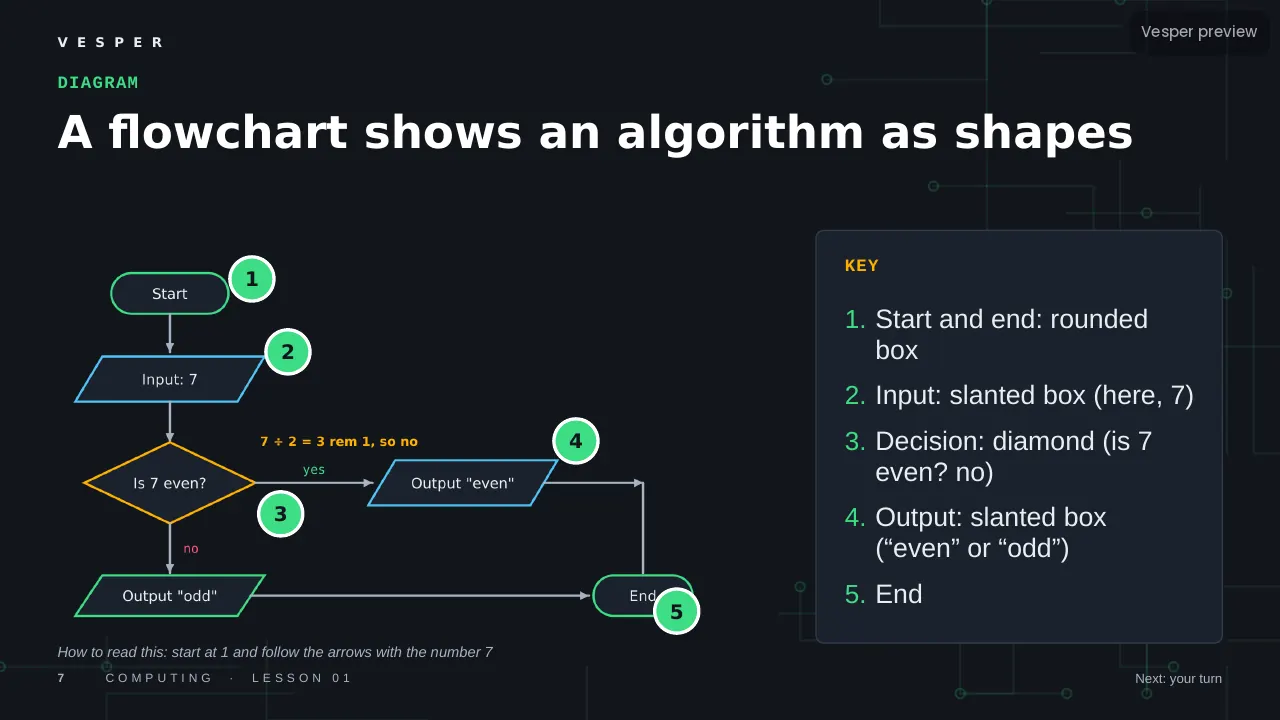
Double-click the .potx to start a new deck, then choose Home, New Slide and pick a layout by name. Replace a sample picture by right-clicking it and choosing Change Picture. Use the Diagram layout for a flowchart with numbered steps and the Activity layout for an unplugged coding task. Change the series line once in View, Slide Master. The two-page How-to-use PDF walks through it.
Who it’s for
Teachers of computing and technology for ages 10–16 (Middle (10–13) and Senior (14–16+) bands). Any Vesper lesson built on Circuit uses the same slide master, so your own slides sit beside it without a join. It is also part of the all-templates bundle.