About it
What it looks like
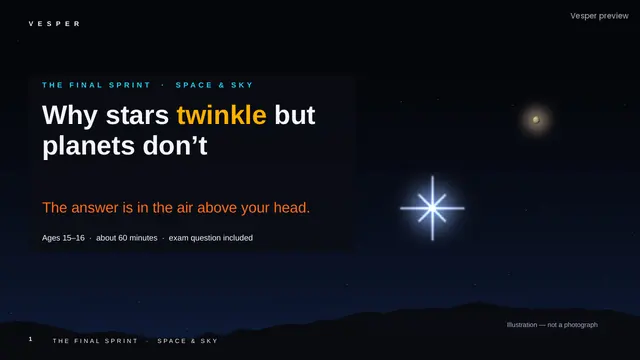
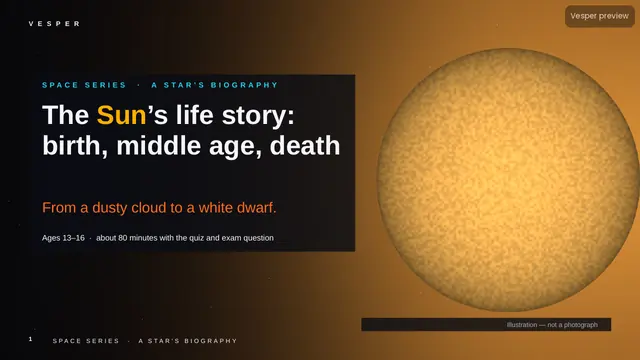
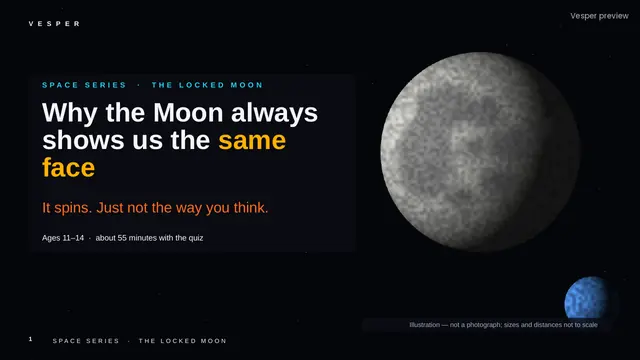
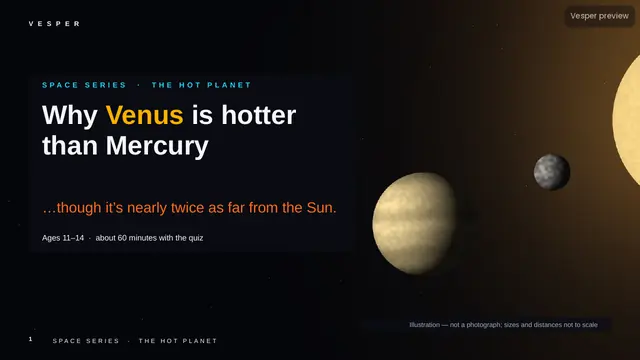
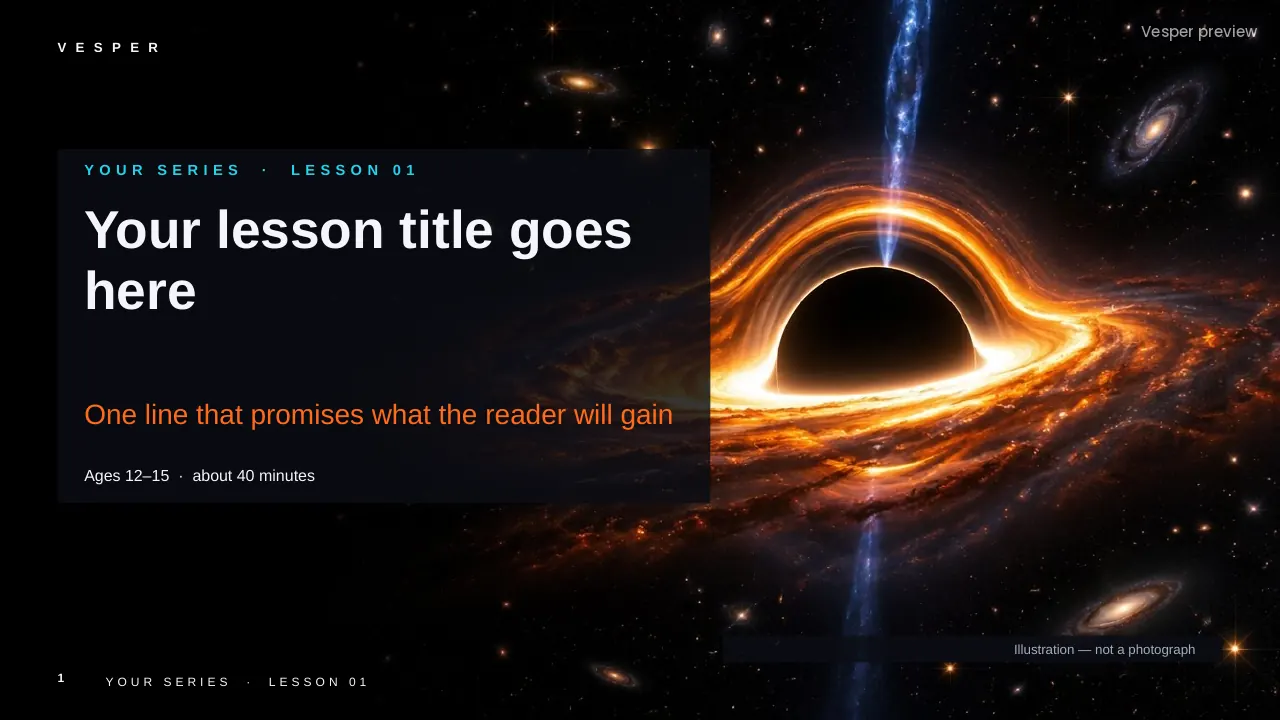
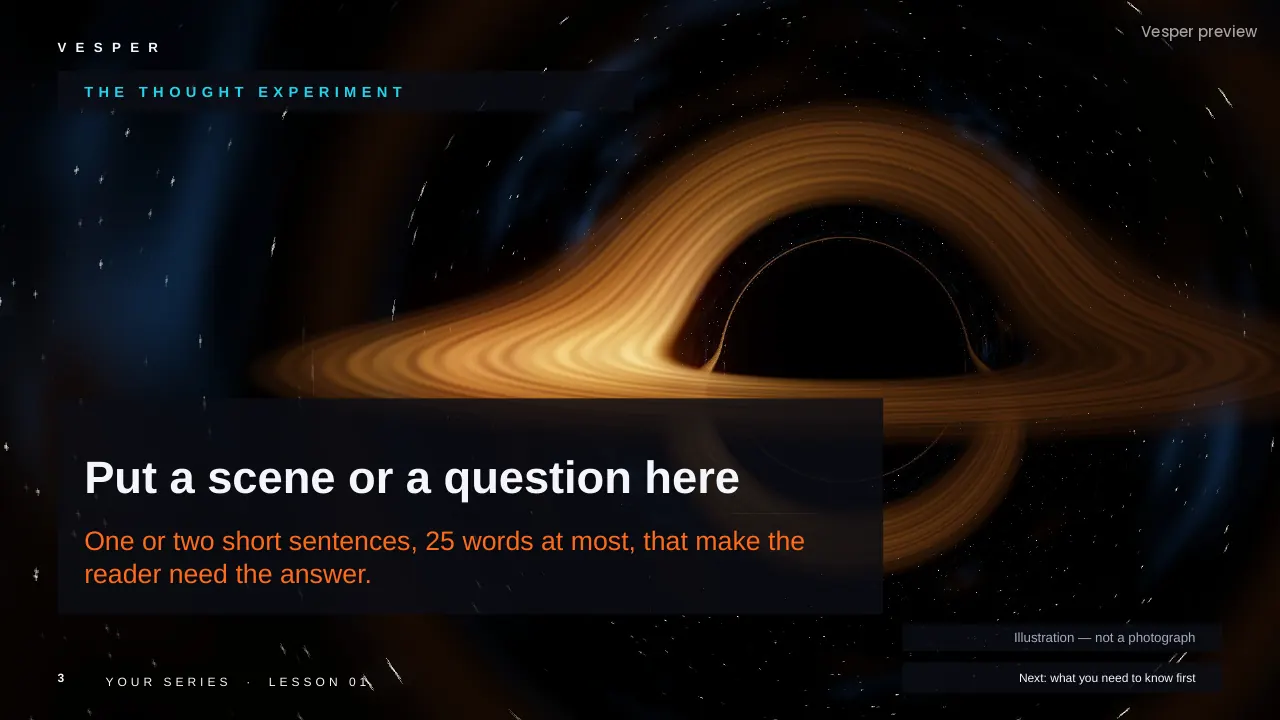
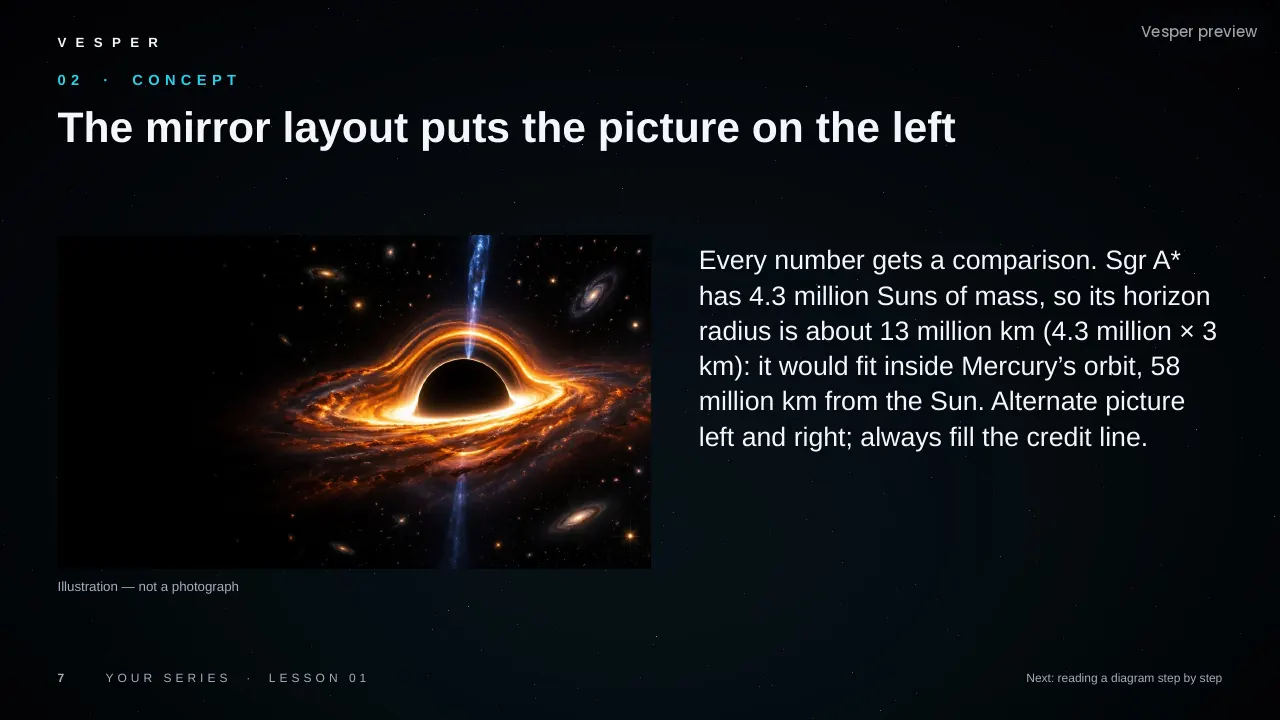
Black star fields, neon blue and cyan accents with orange and gold highlights, Arial throughout and square corners. Pictures run full-bleed behind dark glass panels.
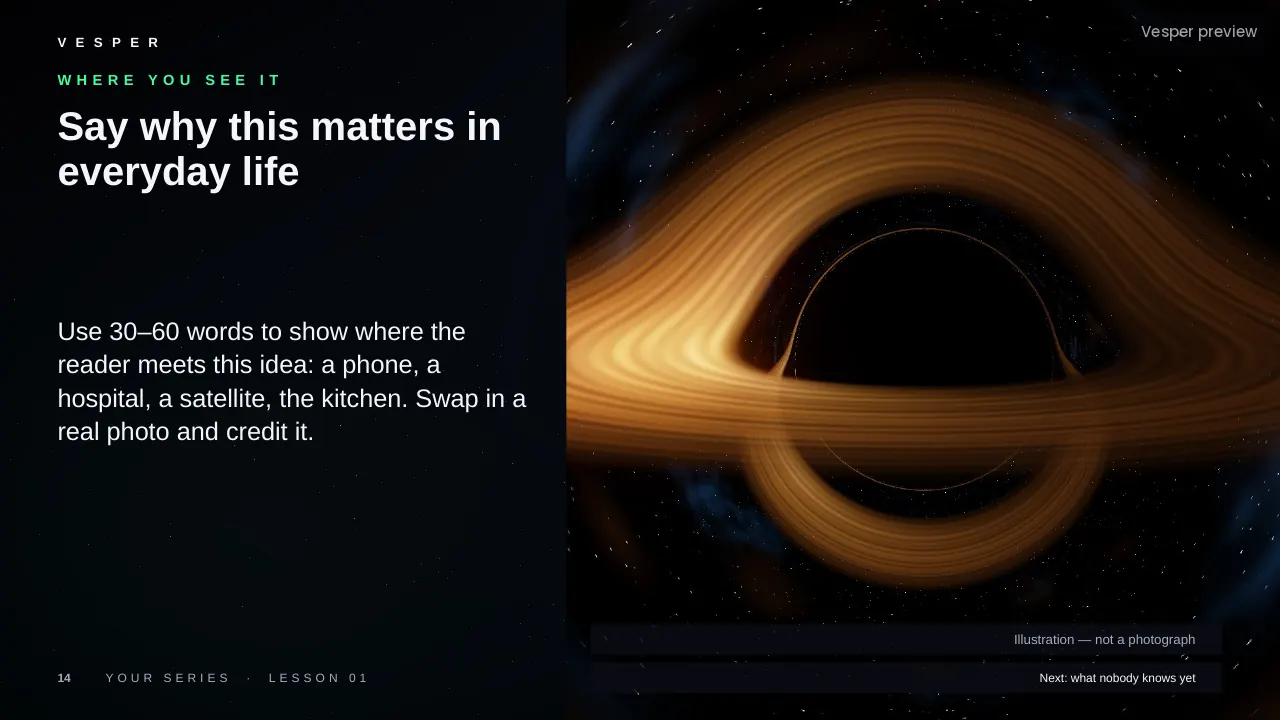
The motifs come from the subject: telescope-style images of stars, galaxies and black holes, orbits and orbital paths, planets and moons to scale, HUD-style labels and measurements, and light curves and spectra. It is for space only: no cartoon rockets or smiling planets, and no unlabelled AI images passed off as telescope photos.
Inside the template
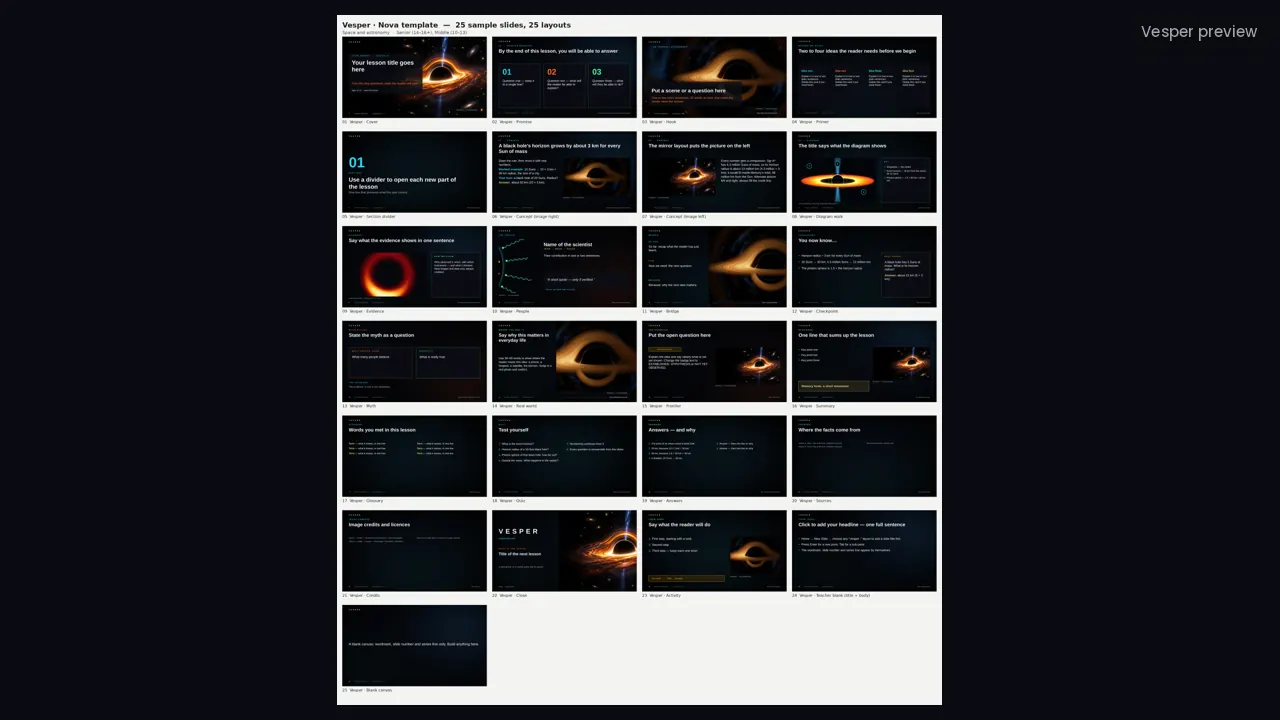
Nova keeps 24 original ‘Vesper ·’ layouts that the space lessons use, plus an Activity layout: Cover, Promise, Hook, Primer, two Concept layouts, Diagram walk, Evidence, People, Bridge, Checkpoint, Myth, Real world, Frontier (with HYPOTHESIS and NOT YET OBSERVED badges), Summary, Glossary, Quiz, Answers, Sources, Credits, Close and blank layouts.
Its six sample pictures include black-hole and galaxy renders and code-drawn diagrams, each labelled as an illustration or simulation. Every slide gets the wordmark, a live slide number and an editable series line from the master. Fonts are standard ones that ship with PowerPoint.
How teachers use it
Double-click the .potx to start a new deck, then choose Home, New Slide and pick a layout by name. Replace a sample picture by right-clicking it and choosing Change Picture. Use Frontier for open questions, Evidence for a credited real image, and Diagram walk to read a picture step by step. Change the series line once in View, Slide Master. The two-page How-to-use PDF walks through it.
Who it’s for
Teachers of space and astronomy for ages 10–16 (Middle (10–13) and Senior (14–16+) bands). Any Vesper lesson built on Nova uses the same slide master, so your own slides sit beside it without a join. It is also part of the all-templates bundle.